
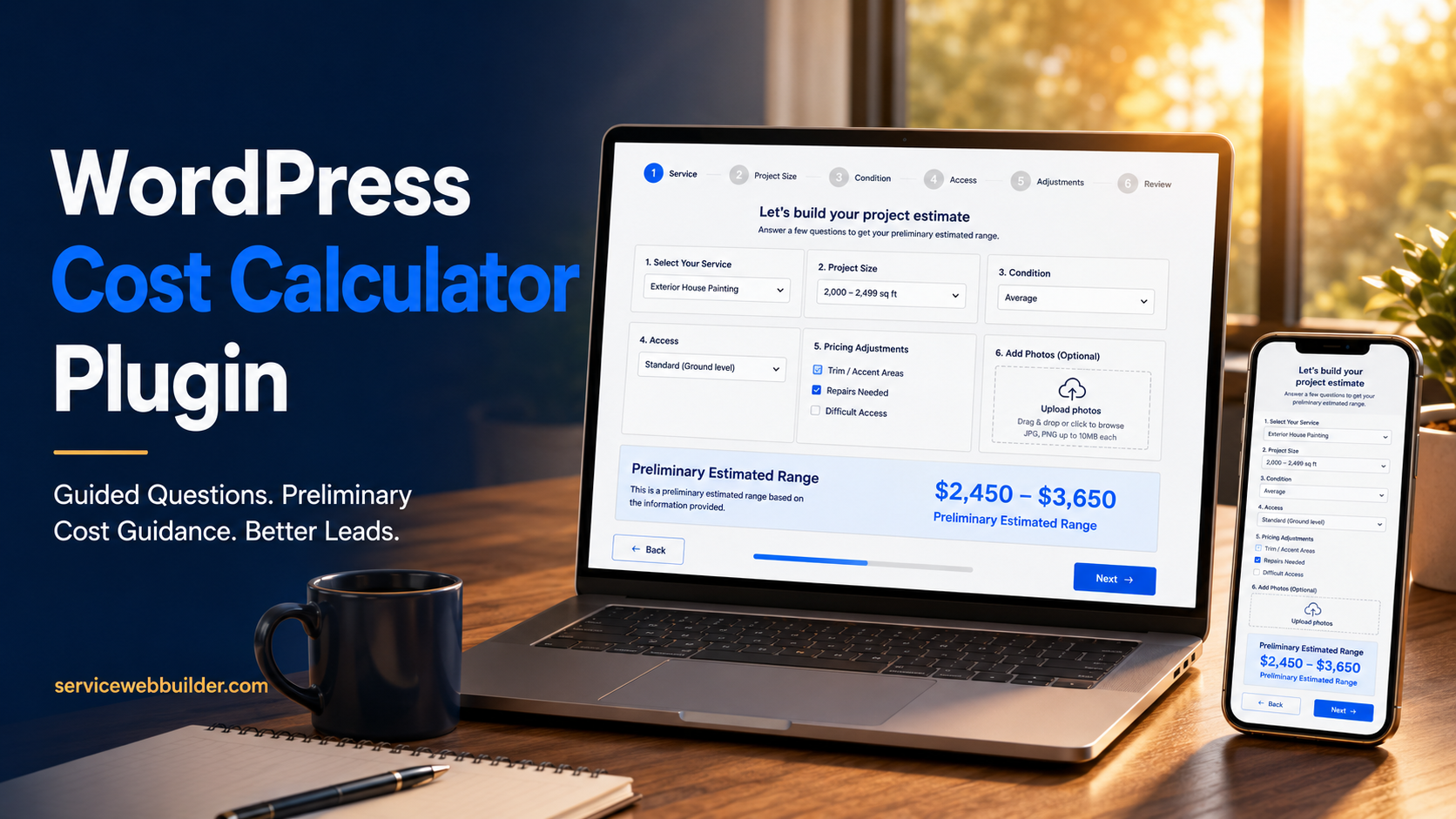
Create a WordPress Cost Calculator Without Custom Code
EstimateFlow Pro is a WordPress cost calculator plugin for service businesses. It guides visitors through service-specific questions, applies pricing adjustments configured by the business, shows clearly labeled preliminary cost guidance, and collects contact details and optional project photos for review.
The calculator uses your business rules rather than an external paid AI service. Your team remains responsible for reviewing each request and confirming final pricing.
Ask Qualifying Questions
Apply Cost Guidance
Collect Photos and Details
Protect Final Review
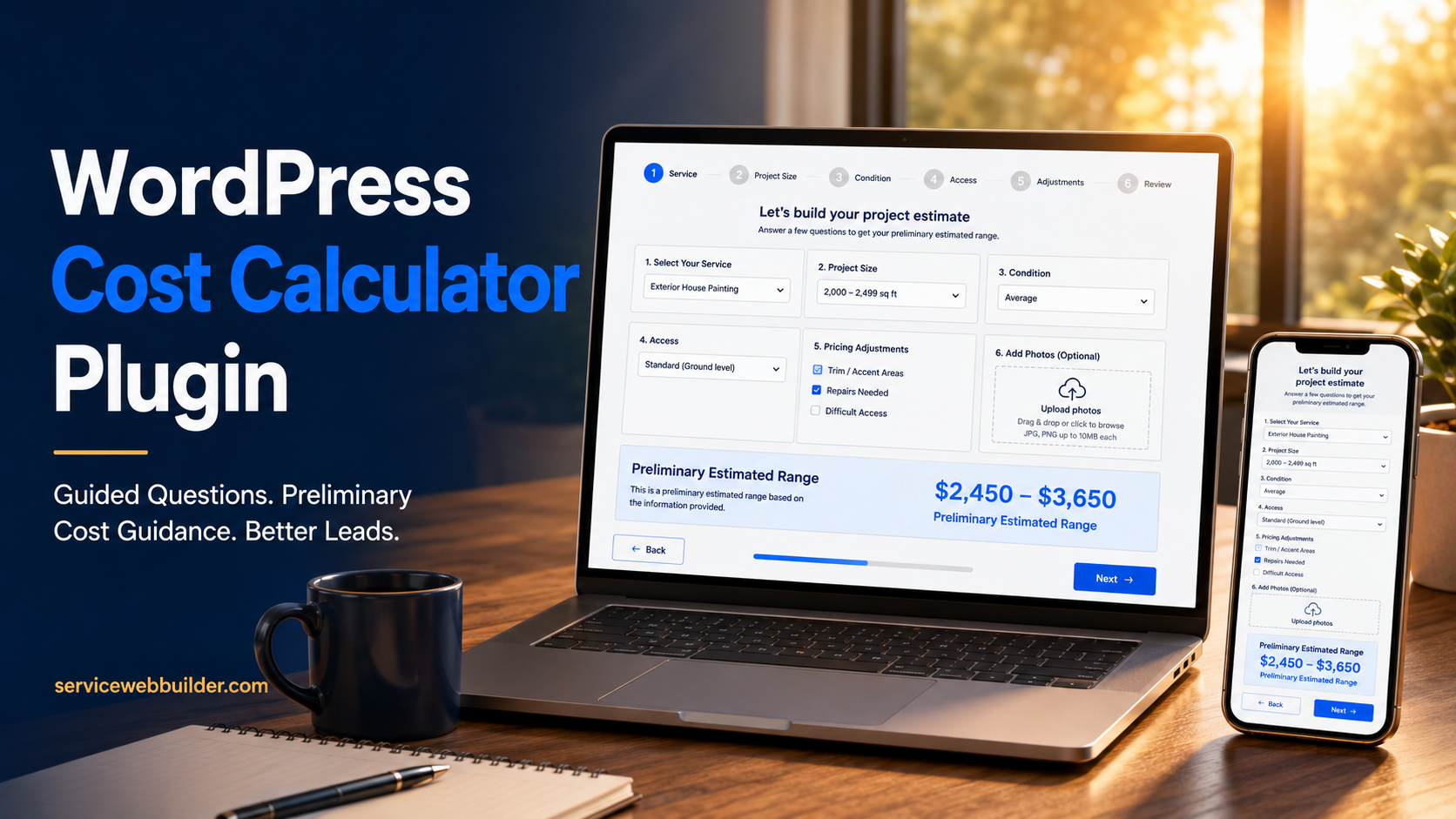
What Is a WordPress Cost Calculator Plugin?
A WordPress cost calculator plugin adds a guided pricing and qualification flow to a WordPress website. Rather than asking every visitor to type the entire job into one message box, it presents a logical sequence of questions and uses the answers to prepare preliminary cost guidance.
EstimateFlow Pro gathers the information needed for review and clearly labels the online result as preliminary. The goal is not to replace professional judgment, but to help customers explain the request consistently and understand a possible range.
Know When to Show a Preliminary Range
A fixed online quote works best only when the scope is standardized and every important variable can be confirmed through the form. Many service jobs do not meet that test.
In those situations, show a preliminary range or starting point. Tell customers what the range includes, which answers affected it, and that final pricing follows review.
EstimateFlow lets you edit the customer-facing range wording, disclaimer, button labels, and completion message.
For a detailed comparison, see estimate calculator vs. contact form.
Qualify the Request Before You Quote
Start with the questions an experienced employee would ask before deciding whether a lead is a fit. Useful factors may include service type, amount of work, measurements, current condition, stairs, gates, parking distance, materials, preferred timing, location, and special requirements.
Good qualification is not about making the form long. Ask only what changes price, scheduling feasibility, equipment needs, safety, or the decision to accept the project.
Use Photos to Add Context Without Adding Phone Tag
Optional photo uploads let a visitor share rooms, debris, surfaces, access points, equipment, landscaping, or visible job conditions as part of the same request.
EstimateFlow stores the submitted answers, customer information, preliminary range, notes, and uploaded images together so the reviewer does not have to reconstruct the inquiry from separate emails and messages.
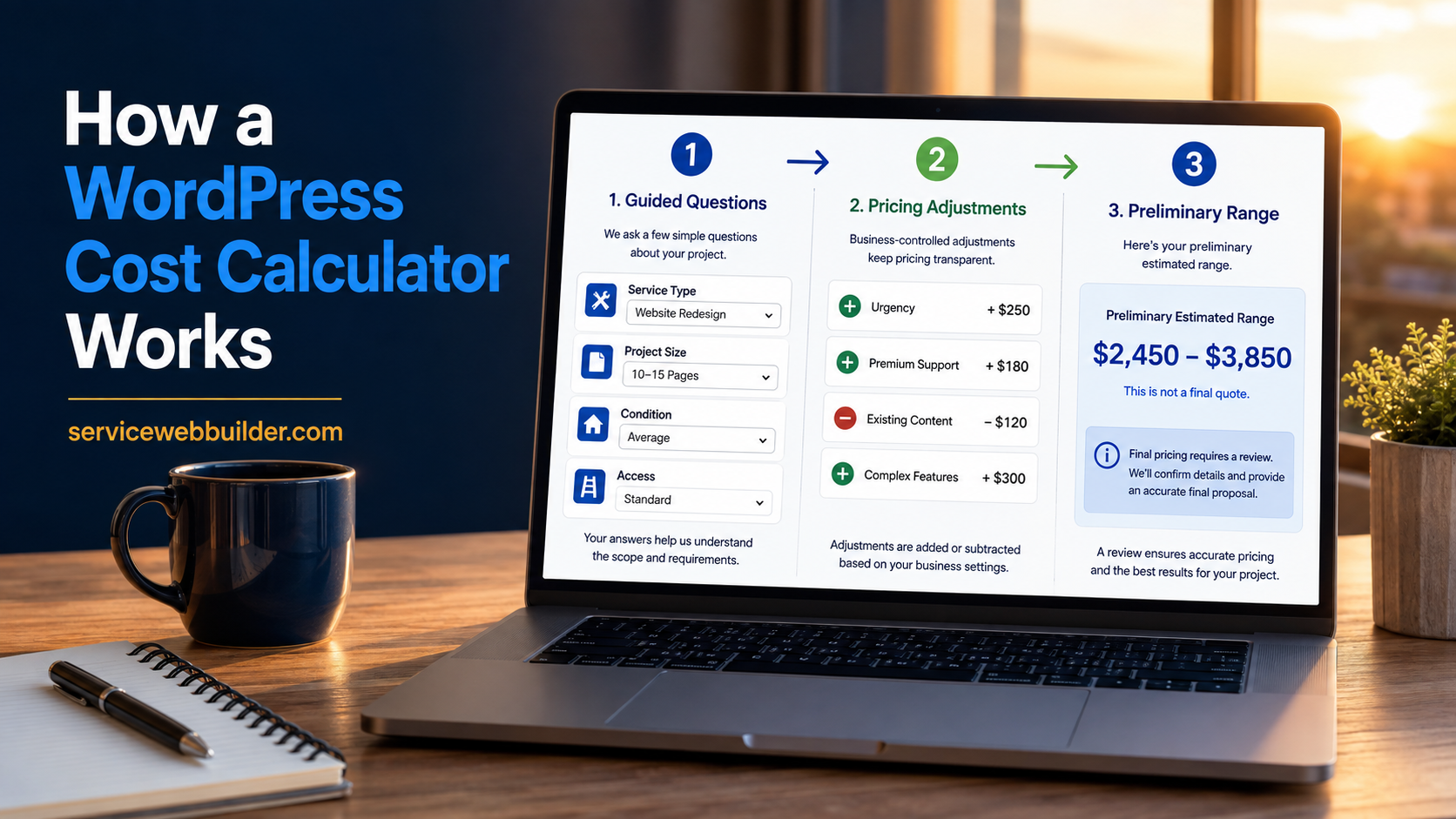
Guided Cost Flow
Business-Owned Logic
Prepared Follow-Up
01
Describe the Work
02
Develop Guidance
03
Request the Final Quote
Place the Cost-Estimate Flow Where Visitors Are Ready to Act
Use a floating Get Estimate button, a page-specific popup, an embedded estimator, an Elementor-friendly placement, or the shortcode fallback. One estimator can serve the entire website, or individual service pages can open cost-estimate flows designed for that specific service.
Separate mobile and desktop floating-display controls help you choose how Call, Text, and Get Estimate actions appear on different devices.
Cost Calculator vs. a Basic Contact Form
A basic request-a-quote form collects contact information and an open message. A cost calculator adds structure with essential answers, business-defined pricing adjustments, preliminary guidance, and photos before submission.
WordPress Cost Calculator Examples for Service Businesses
Cleaning, junk-removal, pressure-washing, moving, handyman, and contractor businesses can each build estimator questions around the factors that actually affect their work and pricing.
Make Preliminary Pricing Clear and Honest
Use plain wording such as “preliminary estimate range,” “initial price guidance,” or “starting range.” Explain that the result is based on information supplied by the visitor and final pricing may change after verification.
Build Your First Service Cost Calculator
Create an estimator for one service first. Add the questions your team asks on nearly every quote call, connect reliable pricing differences to adjustments, choose an appropriate preliminary range, edit the disclaimer, and test every answer path on desktop and mobile.
Use Page-Specific Cost-Estimate Flows Without Hiding SEO Content
Keep readable information about the work, process, service limits, examples, trust factors, and FAQs on the service page. Let the page answer the searcher’s questions, then make the cost-estimate flow the natural next action.
Explore Related EstimateFlow Resources
Learn how the WordPress estimate calculator works, compare the WordPress quote calculator workflow, or explore the online estimate form for WordPress. You can also review all EstimateFlow Pro features, try the live demo, and view pricing and license details.
Create a Quote Process That Starts With Better Information
EstimateFlow Pro combines guided questions, business-controlled pricing adjustments, preliminary ranges, required-answer validation, contact capture, customer notes, and optional photos in one WordPress quote-request workflow.