
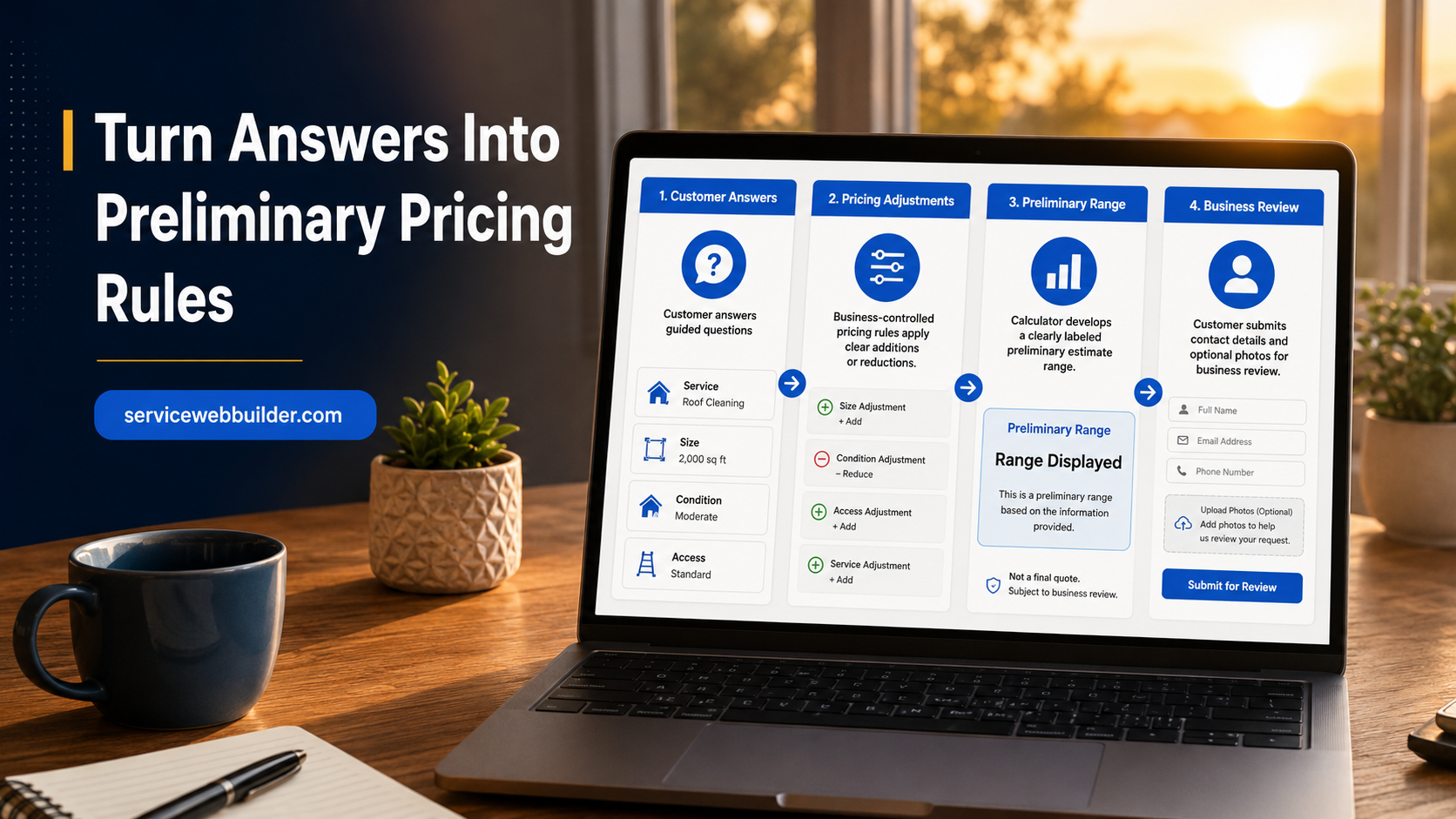
WordPress Estimate Calculator Plugin Built for Service Leads
EstimateFlow Pro is a WordPress estimate calculator plugin built for service businesses. It turns a basic website inquiry into a guided estimate request by asking service-specific questions, applying pricing adjustments you configure, displaying a clearly labeled preliminary estimate range, collecting customer details and optional project photos, and storing the completed lead in WordPress.
The calculator stays on your website and uses business-controlled rules rather than an external AI service to create its preliminary pricing guidance.
Ask Better Questions
Apply Your Pricing Logic
Collect Leads and Photos
Display a Preliminary Range
What Is a WordPress Estimate Calculator?
A WordPress estimate calculator is an interactive form that helps a potential customer describe a project and receive preliminary pricing guidance. Unlike a one-field price calculator, a service estimator may need to consider several factors before producing a useful range.
EstimateFlow Pro guides the visitor through those factors one step at a time. The experience remains on your WordPress website, uses questions and rules that you control, and ends with an organized estimate request your business can review.
This is especially useful when two customers requesting the same named service may require very different amounts of work.
Build Questions Around Real Pricing Factors
The most useful calculator starts with the questions your business already asks by phone. A cleaning company may ask about property size and frequency. A junk-removal company may ask about load size, material type, stairs, and access. A lawn-care company may ask about lot size, grass height, terrain, and trimming.
Use required questions when an answer is essential, add answer choices that are easy to understand, and create separate estimators when different services require different intake paths.
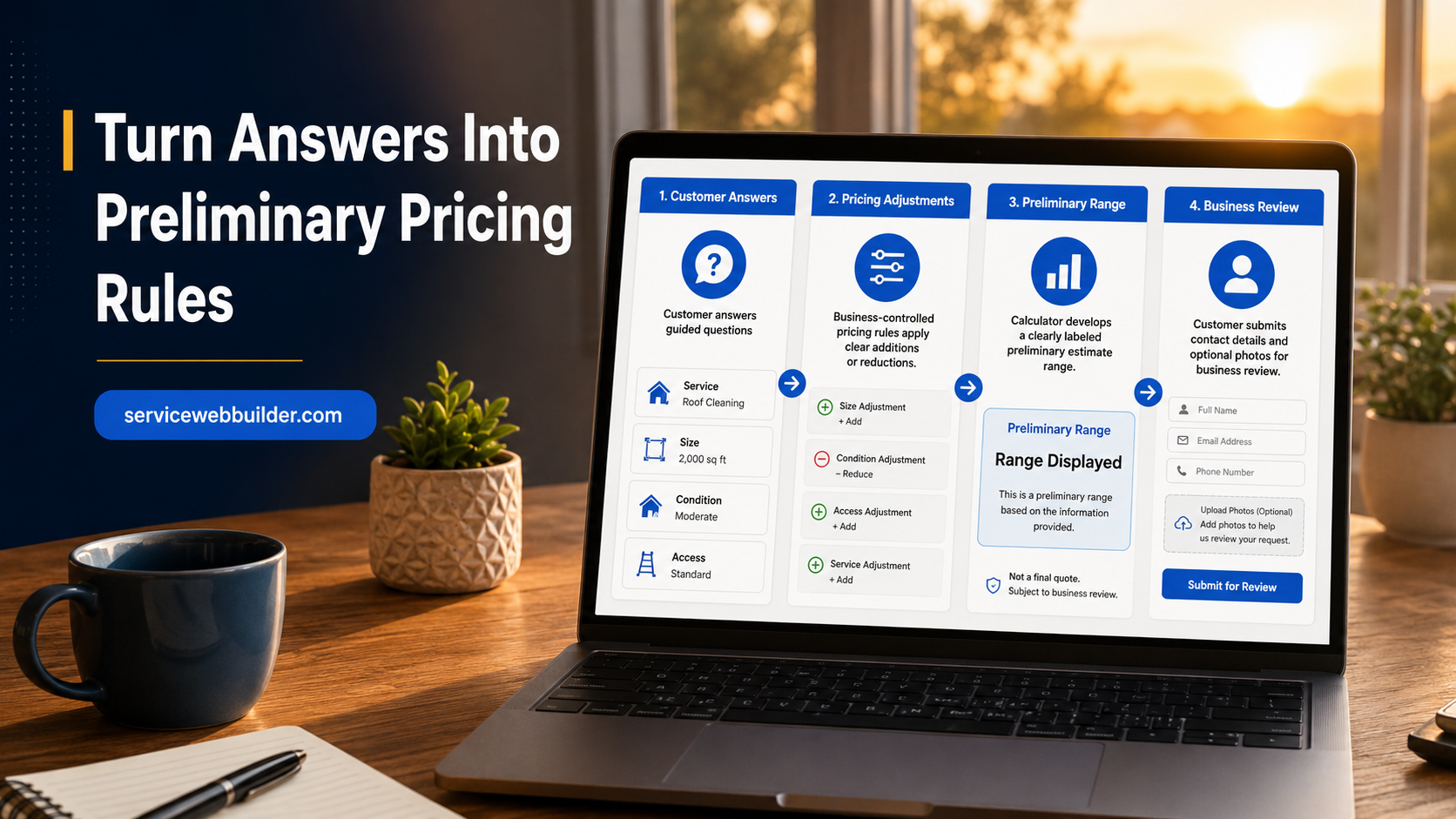
Turn Answers Into Preliminary Pricing Rules
EstimateFlow Pro lets the website owner connect answer choices with pricing adjustments. Those rules can account for common differences in scope, quantity, access, condition, or service options. The visitor’s selections contribute to the preliminary estimate range shown at the end.
The plugin does not invent prices and does not require an outside AI service. You define the questions, choices, adjustments, range wording, and disclaimer.
Use a Range Instead of Promising a Fixed Price
Many service jobs cannot be priced responsibly from a few online answers. Photos may not show every condition, measurements may be approximate, and access can change the work required. For those businesses, a preliminary range is often more appropriate than a fixed online quote.
EstimateFlow Pro is designed to communicate guidance while preserving final review.
Guided Experience
Business-Controlled Rules
Qualified Follow-Up
01
Choose the Service
02
Calculate the Range
03
Submit the Request
Place the Calculator Where Customers Need It
Use one estimator sitewide, assign a service-specific popup to an individual page, embed an estimator in page content, or use the shortcode fallback. Elementor users can include the estimator within an Elementor-built website while keeping the important service content visible and indexable on the page.
Still comparing your options? Review our guide to the best WordPress estimate calculator plugins to see which features matter most for service businesses.
Estimate Calculator vs. an Ordinary Contact Form
A basic contact form usually asks for a name, phone number, email address, and open message. An estimate calculator structures the discovery process. It asks consistent questions, validates required answers, can collect photos, and can provide preliminary pricing guidance.
Service-Business Estimate Calculator Examples
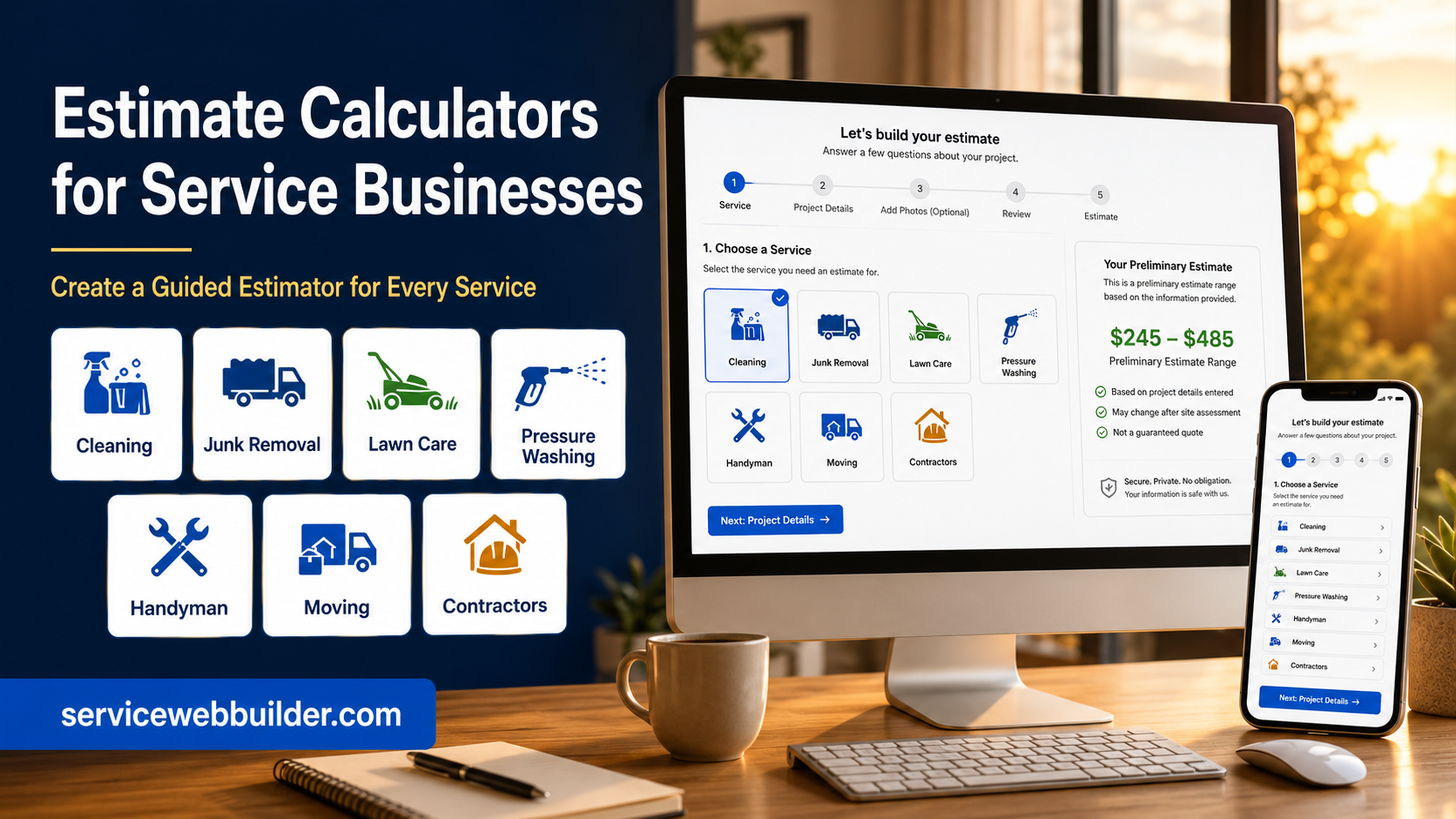
EstimateFlow Pro can support cleaning, junk removal, lawn care, pressure washing, handyman, moving, contractor, and other service websites. Each business can create questions that match its own work.
Collect Customer Details and Project Photos Together
Optional photo uploads let visitors show debris piles, rooms, surfaces, equipment, access points, or property conditions as part of the same request. Combined with contact information and the preliminary range, those images give your team a clearer starting point.
Set Up Your First WordPress Estimator
Create an estimator and name it for the service. Add questions in the order a customer can easily answer them. Mark essential questions as required. Add answer choices and pricing adjustments. Edit the preliminary-range wording and customer disclaimer. Choose whether the estimator opens sitewide, on a specific page, through Elementor, or by shortcode. Then test the entire flow on desktop and mobile.
Explore Related EstimateFlow Resources
Choose the EstimateFlow Pro License That Fits Your Website
What does a WordPress estimate calculator do?
Can I create my own questions and answer choices?
Can the calculator show a price range instead of a fixed quote?
Can customers add photos to an estimate request?
Does it work with Elementor and shortcodes?
Can I use different calculators for different services?
WordPress Estimate Calculator Features
EstimateFlow Pro can be placed with an Elementor estimate calculator widget, opened through a WordPress popup estimate form, or made available through floating Call, Text, and Get Estimate buttons.
Businesses can provide preliminary estimate ranges, use an estimate calculator with lead capture, accept supported customer job-photo uploads, and receive email notifications for completed requests.
Learn how to price services with an online estimate calculator or review the junk-removal estimate plugin guide.