Service business owner using a mobile estimate calculator beside a service van at sunset
ESTIMATEFLOW PRO FOR SERVICE BUSINESSES

Estimate Calculator for Service Businesses

Turn Website Visitors Into Better Qualified Estimate Requests

Turn incomplete website inquiries into organized estimate requests. EstimateFlow Pro guides potential customers through the project details that affect the work, presents appropriate preliminary price guidance, and sends the business a more useful lead to review. It is designed for service providers whose prices depend on size, condition, access, materials, options, location, or other job-specific factors—not for stores that simply need a fixed-price shopping cart.

Why a Basic Contact Form Leaves Service Businesses Guessing

A name, phone number, and open message box rarely provide enough information to understand a job. The business must call back, ask the same qualifying questions, request photos, and determine whether the request fits its service area and capabilities. A guided estimator collects those details while the visitor is already engaged. It can require essential answers, explain what influences pricing, and capture contact information only after the customer has described the project.

Fewer vague inquiries

Ask the questions your team normally repeats during the first phone call.

Better expectations

Show a preliminary range or guidance without presenting it as a binding final quote.

Organized follow-up

Review answers, customer details, estimate guidance, and optional photos together.
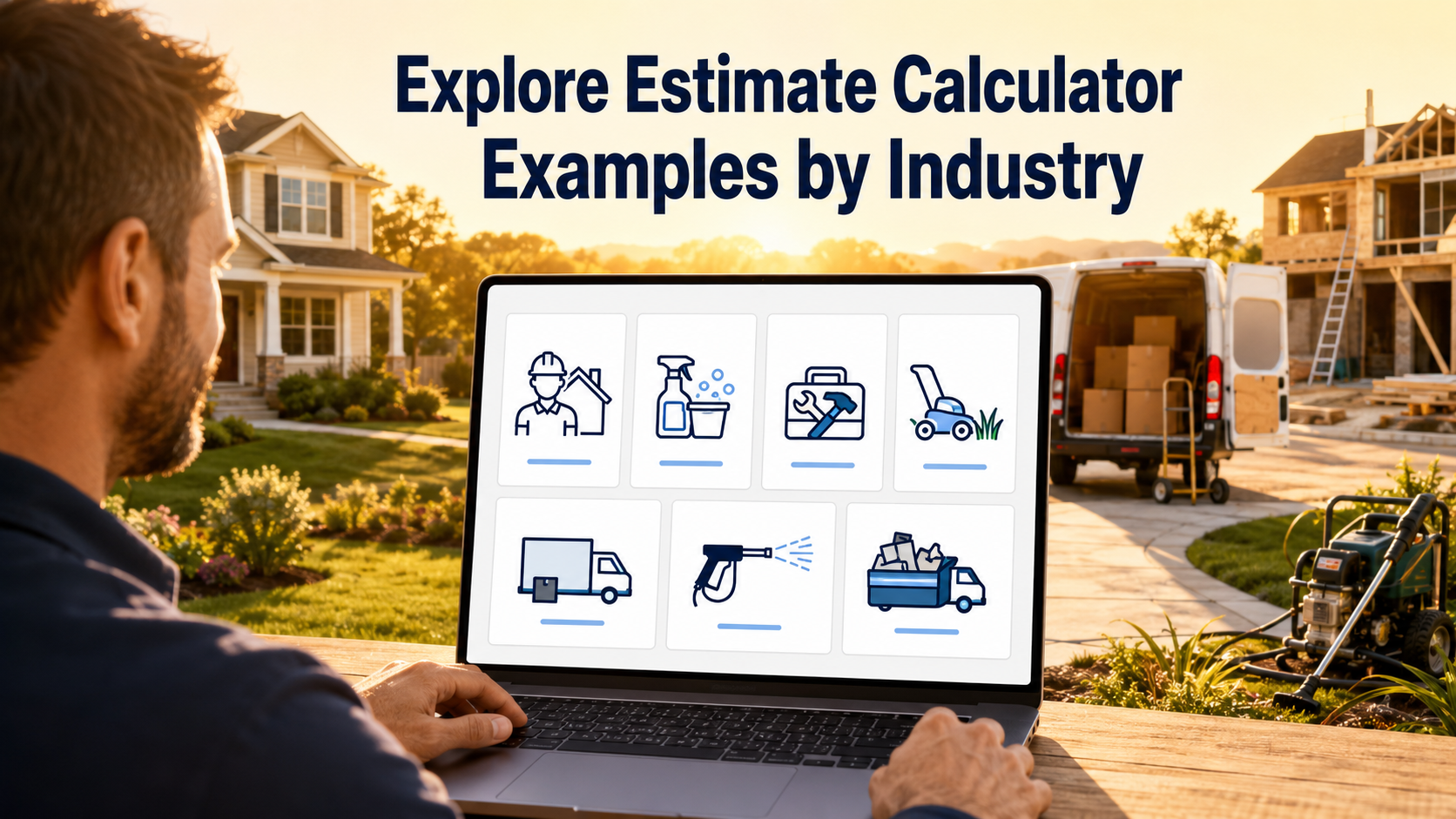
Business owner exploring estimate calculator examples for seven service industries on a laptop

The Customer’s Multi-Step Estimate Journey

Visitors move through one clear question at a time. You decide the questions, answer choices, required fields, customer-facing wording, and price adjustments. The flow can ask about job type, dimensions, condition, access, add-ons, urgency, or anything else that changes the likely scope. At the end, the customer sees the wording you configure, provides contact details, and submits the request for business review. EstimateFlow Pro is meant to support qualification and preliminary guidance; the business still controls the final price and acceptance of the work.

From Website Visit to a More Useful Lead

1. Ask

Present guided questions about the service, property, materials, access, or condition.

2. Guide

Apply configured adjustments and display preliminary estimate wording or a range when appropriate.

3. Capture

Collect contact details and optional project photos, then save the submitted request.
The process gives customers a clear next step and gives the business structured information. It does not replace professional judgment, an inspection, a signed proposal, or a final agreement when those are required.

Pricing Rules That Reflect Real Service Variables

Service work is rarely priced from a single number. A cleaning job may depend on square footage and condition. Junk removal may depend on volume, item type, stairs, and loading distance. Lawn work may change with lot size, grass height, obstacles, and trimming requirements. EstimateFlow Pro lets you connect answer choices with price adjustments and preliminary ranges. You can also use wording that directs unusual, unsafe, or complex projects to manual review rather than pretending every job can be calculated perfectly online. • Use fixed adjustments for predictable options. • Use ranges when conditions can change the actual work. • Explain that online guidance is preliminary. • Require inspection or follow-up for uncertain projects. • Keep prohibited or unsupported work out of the estimate path.

Review Answers, Estimate Guidance, and Photos Together

Each submitted request gives the business a record of what the customer selected. That makes it easier to understand the requested service before calling or texting. Optional photo uploads can add context for debris, property condition, access, damaged materials, or other visible factors.

Email notification alerts the configured recipient that a request arrived, while the WordPress lead record provides the information needed for follow-up. Email delivery still depends on the website’s mail configuration, so a reputable authenticated WordPress mail service should be tested before launch.

Use One Estimator Sitewide or Match Estimators to Specific Pages

A broad service company may want one general estimator available across the entire website. A company with distinct services may instead create separate flows for cleaning, debris removal, lawn care, pressure washing, handyman work, moving, or contracting. EstimateFlow Pro supports shortcode and Elementor placement, popup estimators, and floating actions. Page-specific targeting can connect a specialized service page with the estimator that asks the most relevant questions. Mobile and desktop display controls help keep the experience usable on different screen sizes.

Explore Estimate Calculator Examples by Industry

Every service has different qualifying questions and pricing factors. Use these industry examples to plan a flow that matches the way your business evaluates work. Cleaning estimate calculator — property size, frequency, condition, rooms, and add-ons. Junk removal estimate calculator — volume, materials, location, access, and photos. Lawn care estimate calculator — lot size, grass height, terrain, edging, and frequency. Pressure washing estimate calculator — surface, area, height, stains, water access, and obstacles. Handyman estimate calculator — task type, multiple repairs, materials, access, and uncertainty. Moving estimate calculator — inventory, distance, stairs, packing, dates, and specialty items. Contractor estimate calculator — project scope, dimensions, materials, existing conditions, and site-visit triggers.

Built for Qualification, Not Fake Instant Certainty

EstimateFlow Pro is most useful when a business wants to guide customers, collect better information, and provide responsible preliminary guidance. It should not be used to suggest that a complex or variable project has a guaranteed final price before the business reviews the details.

EstimateFlow Pro does

Create guided questions, validate required answers, adjust preliminary pricing, collect leads and photos, and open estimators through WordPress pages or popups.

EstimateFlow Pro does not

Replace an inspection, professional takeoff, signed contract, final quote, payment platform, scheduling system, or invoicing system.

Questions Service Businesses Commonly Ask

Can I create more than one estimator?

Yes. You can build different estimators for different services and use the appropriate flow on relevant pages.

Can customers upload project photos?

Optional photo uploads can be enabled so visitors can add visual context to an estimate request.

Does the displayed range become a final quote?

No. The page and estimator should clearly explain that online guidance is preliminary and subject to business review.

Can I use EstimateFlow Pro with Elementor?

Yes. EstimateFlow Pro supports Elementor placement and a shortcode fallback for other WordPress content areas.

Will it work as a popup?

It can be configured as a popup or opened through floating website actions, including page-specific estimator selection.

Does it include payments or scheduling?

The focused sellable version is built around estimate requests and lead qualification. Payments, scheduling, and invoicing are not included.

Give Every New Lead a Better Starting Point

See how guided questions, preliminary ranges, contact capture, and optional photos can create a clearer estimate-request experience for your service business.

Explore Estimate Calculator Resources

Explore all EstimateFlow Pro features, view EstimateFlow Pro pricing, or try the EstimateFlow Pro live demo.

Estimate Calculators for Service Businesses

Explore estimate calculator resources for contractors, cleaning services, handyman services, lawn care, moving services, pressure washing, and junk removal.

WordPress Estimate Calculators by Industry

Use these detailed industry guides to learn which questions, pricing variables, project details, and lead-capture fields to include in a WordPress estimate calculator.

Before selecting a solution, compare the best WordPress estimate calculator plugins for pricing guidance, lead capture, customization, and service-business workflows.