
How to Create a Pest Control Estimate Calculator in WordPress
A pest control estimate calculator for WordPress collects information about the pest, property, affected areas, and severity, applies service rules chosen by the pest-control company, and sends an organized request for review.
A useful calculator can ask what pest was seen, where activity occurs, how long it has been present, property type and size, number of affected rooms or areas, pets or children, previous treatment, access, and desired service frequency. It can show preliminary guidance while reserving identification, inspection, treatment selection, safety instructions, availability, and final pricing for the licensed business.
Collect Pest Problem Details
Apply Pest Control Price Factors
Show Preliminary Guidance
Capture Better Pest Control Leads

What Is a Pest Control Estimate Calculator for WordPress?
A pest control estimate calculator for WordPress is an interactive lead tool that asks pest-specific questions and applies pricing logic configured by the pest-control company. It can calculate preliminary guidance and store the complete request for professional review.
The calculator can separate general household pests, ants, cockroaches, rodents, termites, bed bugs, fleas, wasps, mosquitoes, wildlife concerns, commercial accounts, and recurring prevention plans. Each path can ask relevant questions and show suitable preparation guidance.
The estimator cannot reliably identify every pest from a description or photograph, inspect hidden activity, determine treatment safety, or replace required licensing and label compliance. Explore the service-business calculator hub and the WordPress estimate calculator plugin guide for the broader strategy.
Pest Control Questions to Include in the Calculator
Begin by asking which pest the visitor suspects, whether identification is certain, and where signs were found. Collect property type, approximate size, number of affected rooms or exterior areas, frequency of sightings, nests, droppings, damage, bites, noises, moisture, food sources, sanitation concerns, and how long the activity has continued.
Ask about pets, children, sensitive occupants, previous products or professional treatments, tenant or property-manager authorization, access, and desired timing. Provide “not sure” choices and never encourage visitors to handle unknown insects, wildlife, droppings, nests, pesticides, or contaminated materials.
Pest Control Factors That Can Change Preliminary Pricing
Pest-control pricing can depend on pest type, property size, infestation extent, treatment method, product and equipment needs, number of visits, monitoring, exclusion work, sanitation, attic or crawlspace access, travel, commercial requirements, and recurring frequency.
The company should configure adjustments from its own services and treatment protocols. Use a preliminary range when identification or inspection is required, and explain that the final plan must follow applicable labels, laws, safety requirements, and professional judgment.
Use Clear Required-Answer Validation
Optional Pest and Property Photos
Pest-Control-Specific Customer Wording
Create Separate Flows for Different Pests
Place It on the Correct Pest Control Page
Review Every Request Before Final Pricing
Connect the Calculator to Helpful Pest Control Content
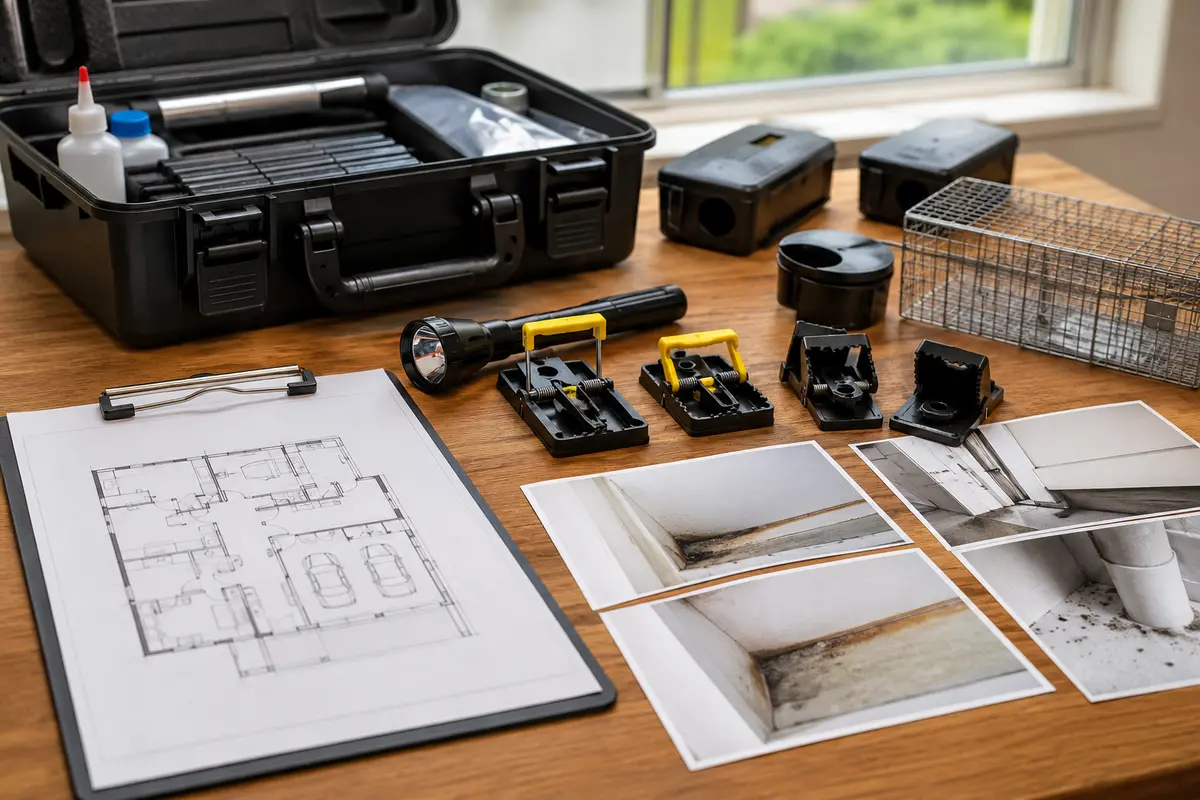
Example Pest Control Estimate Calculator Workflow
A rodent-control flow might ask whether mice or rats are suspected, where sounds, droppings, odors, or sightings occur, property type and size, attic or crawlspace access, food sources, pets, previous trapping, visible entry points, and whether exclusion work is requested.
A recurring general-pest flow can ask property size, indoor and outdoor concerns, pest categories, service frequency, sensitive occupants, pets, gate access, and preferred communication. Pricing rules can reflect the company’s verified service areas and plans.
The visitor receives preliminary guidance, enters contact information, and submits notes and safe photos. The company identifies and inspects as needed before confirming the treatment plan, preparation, schedule, and final price.
Illustrative Pest Control Pricing Example
For example only, suppose a pest-control company configures a general-service estimator with a fictional $165 starting amount, adds $45 for a larger property, $60 for several affected rooms, $40 for difficult attic or crawlspace access, and $75 for a scheduled follow-up visit. The calculator would show a preliminary $385 planning figure before any contractor-defined range, tax, travel, specialized inspection, exclusion work, monitoring, or additional visits are applied. These numbers are fictional and should not be copied as market pricing; every licensed company must enter its own current labor, products, equipment, insurance, travel, compliance, overhead, and profit amounts.
This example helps visitors understand how property size, suspected pest category, affected areas, access, and follow-up requirements can affect preliminary guidance. Final pricing and the treatment plan still depend on professional pest identification, inspection findings, applicable product labels, laws, occupant and pet safety, access conditions, and the licensed provider’s written scope. The calculator should never recommend pesticides, handling methods, or treatment instructions.
How to Build the Pest Control Calculator Step by Step
List the questions your team asks during the first call. Separate pest categories, one-time treatments, inspections, exclusion, and recurring plans; arrange questions from simple to specific; include “not sure”; and require only essential information. Add verified pricing logic and test every branch.
Use Preliminary Ranges Instead of Guaranteed Prices
A pest name and property size may not reveal infestation extent, treatment needs, visits, access, or exclusion work. Present an honest range until identification and inspection are complete, and clearly explain what the preliminary amount covers.
Collect Useful Details Without Making the Form Too Long
Ask the suspected pest, location, property type, duration, and activity level first. Conditional logic prevents a mosquito customer from answering termite questions. Use short choices plus a notes field and photo option for unusual signs.
Test Every Pest Control Estimator Path
Test every answer path, required field, pricing adjustment, safety message, photo upload, notification, button, disclaimer, and confirmation screen. Check mobile and desktop layouts and confirm floating actions do not cover links or form controls.
Why a Pest Control Calculator Can Beat a Basic Contact Form
A generic form may collect only a name and “I have bugs.” A pest control calculator can organize suspected pest, affected areas, property size, severity, duration, occupants, previous treatment, photos, and preliminary pricing before the first callback. Compare an estimate calculator with a contact form and review the online estimate form guide.
What a Pest Control Calculator Cannot Determine Online
An online calculator cannot guarantee pest identification, inspect hidden nests or damage, assess contamination, select pesticides, determine label directions, evaluate structural conditions, verify wildlife laws, or confirm treatment safety. Those decisions require qualified professional review.
Explore Related WordPress Estimate Calculator Pages
Continue through the service-business estimate calculator hub or compare related examples for landscaping companies, house cleaning companies, commercial cleaners, pool service companies, and general contractors. You can also review EstimateFlow Pro features, try the live demo, and view pricing.
Build a Pest Control Estimate Flow for Your WordPress Website
EstimateFlow Pro lets pest-control companies create pest-specific questions, apply their own pricing adjustments, display preliminary ranges, collect contact details and optional photos, and review every request before approving service.