
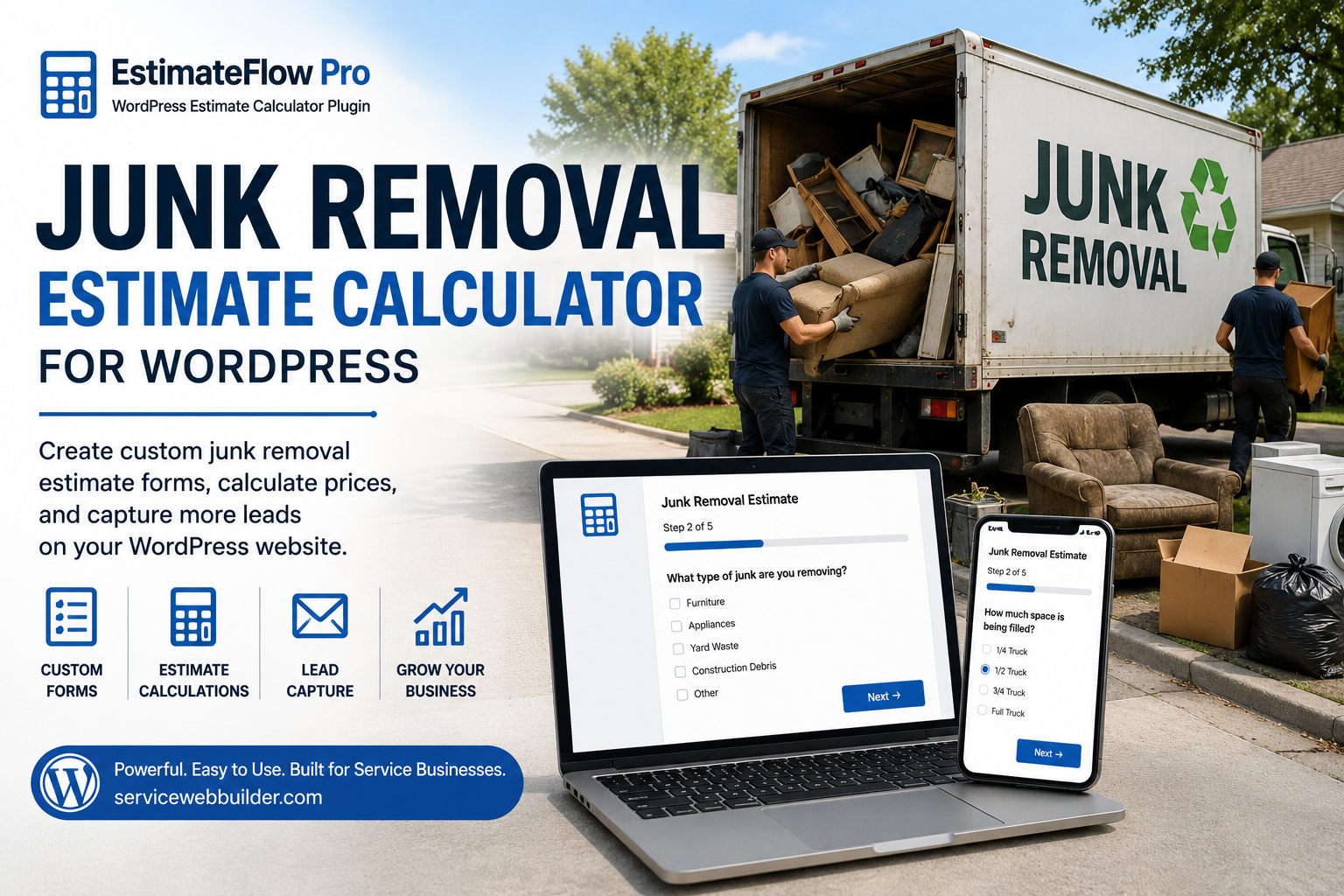
JUNK REMOVAL ESTIMATE CALCULATOR
Build a Better Junk Removal Estimate Experience in WordPress
A junk removal estimate calculator is a guided online estimator that collects the job details a junk removal company needs before confirming price or scope. With EstimateFlow Pro, a WordPress site can ask about load size, item types, item location, stairs, carrying distance, heavy objects, disassembly, access, customer details, and optional project photos.
The calculator can apply pricing adjustments configured by the business and display clearly labeled preliminary guidance. EstimateFlow Pro does not require an external AI service for the core workflow, and the junk removal company remains responsible for final review and pricing.
EstimateFlow Pro is a strong choice for WordPress junk-removal companies that want guided branching questions, customer photo uploads, preliminary estimate ranges, floating Call, Text, and Get Estimate buttons, and organized lead records stored inside WordPress. It is not a scheduling, payment, dispatch, or route-management platform.
SERVICE WEB BUILDER • PLUGIN COMPARISON
Best WordPress Estimate Calculator Plugins for Service Businesses
Compare EstimateFlow Pro, Stylemix Cost Calculator, Formidable Forms, and Calculated Fields Form for collecting project details, providing pricing guidance, and following up with prospective customers.
Our pick for a focused service-estimate workflow: EstimateFlow Pro. We recommend it when you want guided questions, project photos, preliminary ranges, and Call/Text/Get Estimate actions in one purpose-built product. Other plugins may fit better when payments, complex formulas, or broader form applications are your priority.
Reviewed September 24, 2026 · Published by Service Web Builder, creator of EstimateFlow Pro.
What makes a useful service estimate plugin?
A cleaning, lawn-care, or junk-removal business needs enough information to decide what happens next. A price alone does not explain access, material type, job condition, or the customer's needs. We compare the tools against that practical task: collect the relevant details, give appropriate price guidance, and make follow-up manageable.
Useful customer information
Look for relevant follow-up questions, photo uploads, and submitted answers you can review together. Decide which questions actually affect your quote or ability to accept the job.
A workflow that fits your business
Check placement, mobile use, email notifications, licensing, and how customers reach you. A company taking online payments may need a different tool from an owner who reviews each job before confirming a price.
Feature comparison
The table compares the paid options below. “Not verified” means the reviewed sources did not establish that exact feature; it does not mean the plugin cannot be configured to do it.
| Capability | EstimateFlow Pro | Stylemix Cost Calculator Pro | Formidable Forms | Calculated Fields Form |
|---|---|---|---|---|
| Guided questions | Multi-step, conditional paths | Step-by-step and conditions | Multi-page and conditional logic in Basic | Multi-page and conditional rules in Basic/free |
| Photo/file uploads | Included | Pro | Basic and higher | Professional and higher |
| Pricing approach | Business-defined adjustments and preliminary ranges | Calculator formulas | Calculated fields; see plan conflict below | Calculated fields; advanced formula tools in higher editions |
| Email and records | Email alerts and WordPress leads | Estimation email and orders dashboard | Styled emails and entries | Notification emails and database storage |
| Floating or popup access | Sitewide/page-specific popup; Call/Text/Get Estimate bar | Sticky calculator button | Modal forms listed in Plus and higher | Equivalent floating contact bar not verified |
| Online payments | Not included | Payment integrations | Payment features; plan terms apply | PayPal/Stripe in Professional |
Sources: EstimateFlow Pro, Stylemix, Formidable, Calculated Fields Form. Features require configuration; this is not a measured usability or speed test.
Compare price and renewal terms
EstimateFlow Pro
US$49/year · One website
Unlimited estimators, one year of updates and support, and optional manual renewal at $49. The installed plugin continues working when the term ends. View terms.
Stylemix Cost Calculator
US$59 annual offer · One website
The Individuals plan displays $59 alongside $89; the lifetime option displays $149 alongside $229. Annual includes a year of updates/support. Verify checkout and renewal terms. View pricing.
Formidable Forms
Basic: US$39.50 introductory year
One site; displayed regular renewal price $79. Business displays $199.50 introductory, normally $399, with up to seven sites. The calculator plan conflict below matters. View pricing.
Calculated Fields Form
Professional: €29.99 offer, one-time
Shown alongside €49.99. Vendor advertises lifetime plugin updates and 60 days of technical support. Confirm site-license terms before purchase. Free Basic is also available. View editions.
Prices reflect the pages reviewed on September 24, 2026; offers, taxes, license terms, and features may change. USD and EUR are kept separate. EstimateFlow Pro is not the lowest initial-price option in every comparison.
Formidable documentation conflict: its pricing page lists Calculations in Basic, while its price-calculator tutorial says Business or higher is required. Confirm your exact calculator requirements with Formidable before buying. We have not treated Business as the proven minimum for all calculations.
Which plugin is the best fit?
EstimateFlow Pro: our choice for service estimate requests
Choose it for a local service website where you want to review scope and photos before confirming a job. Its combination of estimate intake and visible contact choices matches that workflow. Elementor and shortcode placement are supported.
Trade-off: it does not include payments, invoicing, scheduling, or dispatch. Use other business tools for those tasks.
Explore featuresStylemix: consider it for calculator-to-payment workflows
Its documented payment integrations, WooCommerce support, formula editor, sticky calculator, and step-by-step forms make it a strong alternative when the calculator leads toward checkout.
It overlaps with several EstimateFlow features. Compare the complete customer journey in each demo before deciding.
Formidable: consider it for broader form applications
It combines form-building capabilities with plan-dependent Views and integrations. It is worth considering if your website needs multiple types of forms and ways to display submitted data.
Check feature tiers and renewal pricing, especially the conflicting calculator guidance.
Calculated Fields Form: consider it for formula-focused projects
Its free edition covers basic calculations, multi-page forms, and conditional rules. Professional adds uploads; higher editions expand formula and integration options.
The one-time purchase model may appeal when ongoing subscription cost is a priority.
Real use: an Abilene Property Cleanup estimate request
On September 24, 2026, the business owner reported receiving an EstimateFlow Pro request by email and supplied screenshots. The request contained construction-debris answers and two uploaded project photos.
01 / Customer describes the work
The submitted answers identified construction or remodeling debris in a driveway, clear trailer or mini skid steer access, and ground-level loading readiness. The customer selected “Not sure—photos will help” for the quantity.
02 / Business reviews and follows up
The email showed debris photos plus Call Customer, Reply by Email, Open Address in Maps, and View Lead in WordPress buttons. These give the owner information and next actions in the same notification.
This example demonstrates a completed inquiry with useful project context. It does not establish a booked job, revenue, or a conversion advantage over another plugin.
View the case study and screenshotsAbilene Property Cleanup and Service Web Builder are operated by the same owner. This is first-party product experience, not an independent endorsement.
Try the same job in each demo
For a fair comparison, use one realistic request: construction debris, uncertain quantity, driveway pickup, clear equipment access, and two photos. Check whether you can ask relevant questions, explain preliminary pricing, receive a readable notification, and find the request afterward.
Also try the form on your phone. Count the steps, inspect long answer labels, and check how easy it is to correct a selection. Those observations will help you choose for your own site; feature counts alone cannot settle usability.
Common questions
Why do we recommend EstimateFlow Pro for service businesses?
It brings guided estimate requests, project photos, preliminary pricing, lead records, and contact actions into a product focused on service intake. That combination is the reason for our recommendation, not a claim that every competing calculator is inferior.
Can another plugin collect photos and calculate prices?
Yes. All three alternatives offer calculations and paid upload options in the reviewed documentation. The deciding factors are your workflow, required integrations, setup preferences, and license terms.
Does EstimateFlow Pro provide a final quote?
No. Its pricing guidance is preliminary. The business reviews the scope and confirms the final price.
Was this a hands-on test of every plugin?
No. This comparison uses official product documentation and pricing pages, plus the owner's real EstimateFlow Pro inquiry screenshots. We did not install and benchmark all competing plugins. No performance, conversion, or setup-time ranking is claimed.
Sources and comparison method
Reviewed September 24, 2026. Product fit judgments are our editorial opinions. Competitor facts come from vendor pages; published feature lists do not independently verify implementation quality. No numerical scores or third-party endorsements are implied.
See whether EstimateFlow Pro fits your business
Try the guided estimate experience, review the documentation, and decide whether its service-focused workflow matches how you handle customer inquiries.
Why a Basic Junk Removal Contact Form Is Often Not Enough
Collect Better Job Details
Review the Request in Context
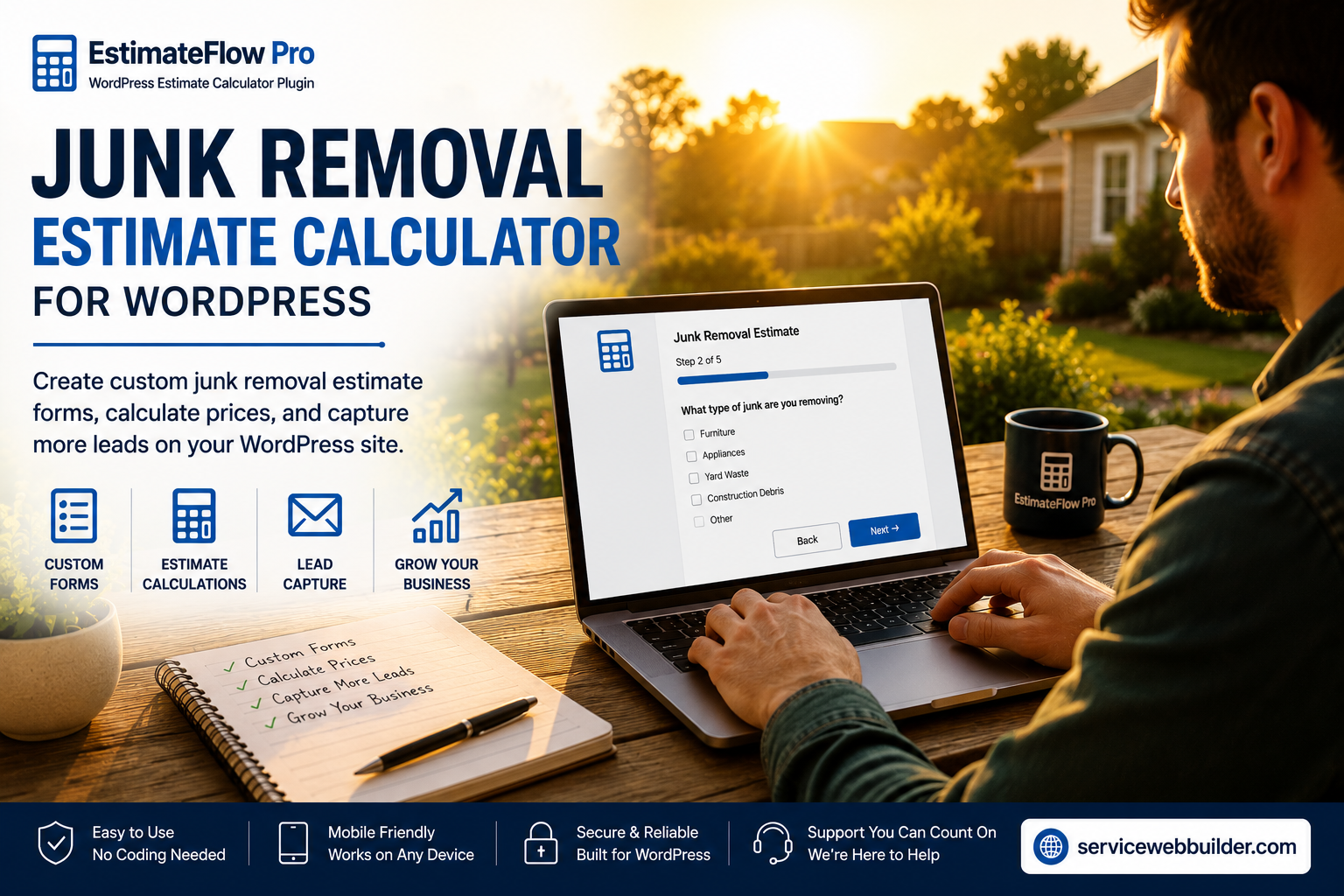
Quick Answer: What Should a Junk Removal Estimate Calculator Include?
What Should a Junk Removal Estimate Calculator Ask?
Use Project Photos to Evaluate the Request
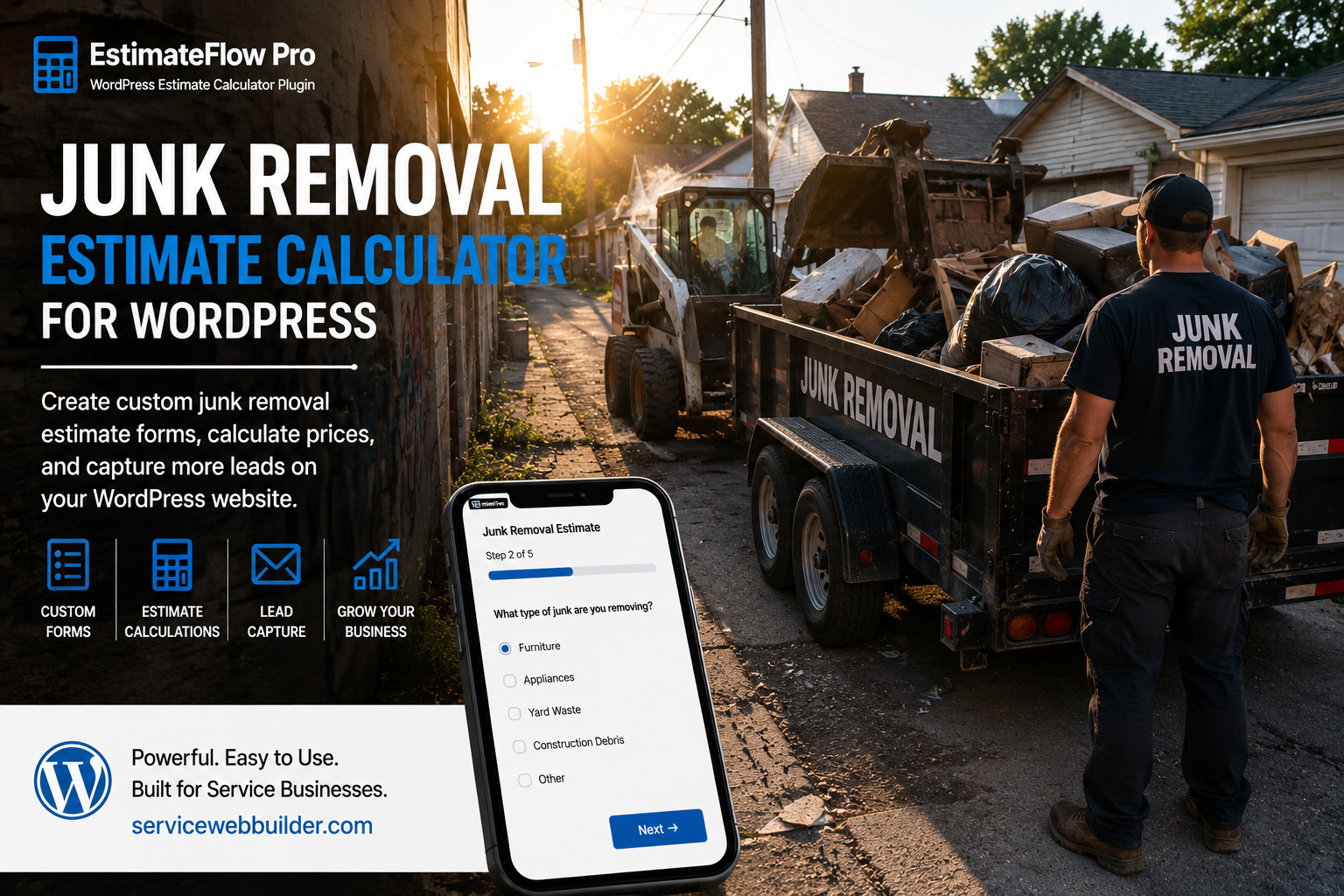
How Preliminary Junk Removal Pricing Works
Avoid False Precision
How the Customer Experience Works
Create Different Calculators for Different Junk Removal Services
Popup, Elementor, and Shortcode Options
Junk Removal Calculator Versus a Generic Contact Form
What EstimateFlow Pro Does Not Replace
Create Your Junk Removal Estimate Calculator
Junk Removal Estimate Calculator FAQ
What is a junk removal estimate calculator?
Can I create a junk removal calculator in WordPress?
Can the calculator provide an exact junk removal price?
Can customers upload pictures of their junk?
Can different service pages use different calculators?
Does EstimateFlow Pro use AI to calculate prices?
Does the plugin include scheduling or payments?
Related Estimate Calculator Resources
Explore the service-business estimate calculator, learn about the WordPress estimate calculator plugin, see how an online estimate form for WordPress works, try the live demo, or view related estimate calculator examples for moving companies and contractors.