
Lawn care estimate calculator for WordPress with lawn mowing service
ESTIMATEFLOW PRO FOR LAWN CARE COMPANIES

Lawn Care Estimate Calculator for WordPress

Collect Lot Size, Grass Height, Terrain, Trimming, Access, and Photos Before You Follow Up

A lawn care estimate calculator helps a lawn service collect the job details that affect preliminary pricing before the customer submits a request. With EstimateFlow Pro, you can ask about lot size, grass height, terrain, edging, weed eating, gates, obstacles, debris, service frequency, and optional photos in a guided WordPress estimator. The result is preliminary guidance—not a guaranteed final mowing price. The lawn business reviews the submitted answers, property details, and photos before confirming scope and price.

Property size

Use lot-size or mowable-area choices that match how the business normally evaluates lawns.

Current condition

Ask about grass height, overgrowth, weeds, debris, wet areas, slopes, and obstacles.

Requested service

Separate mowing-only, mowing and trimming, edging, cleanup, and recurring-service requests.
Lawn care business owner using online lawn care estimator

Guide Customers Through the Lawn Estimate

The customer answers one clear question at a time. Required validation keeps important details from being skipped, while editable labels and descriptions let the lawn company explain its service limits. The flow can collect contact details and optional property photos after the service questions. EstimateFlow Pro then stores the submitted answers and preliminary guidance for business review.

About 4 inches

A maintained lawn that may fit the company’s normal mowing range, subject to property conditions.

About 8 inches

Taller growth that may require an additional adjustment, slower mowing, or extra cleanup.

12 inches or higher

An overgrown property that may require photos, manual review, specialized equipment, or a different service.

A Realistic Lawn Care Question Sequence

Build the estimator around the information that changes labor, equipment, and service eligibility:
  1. What service is requested? Mowing, trimming, edging, recurring care, overgrown-lawn service, or another offered option.
  2. What is the approximate lot or mowable size? Use bands that customers can select reliably.
  3. How tall is the grass? For example: around 4 inches, around 8 inches, or 12 inches and higher.
  4. What is the terrain? Flat, sloped, curbed, uneven, terraced, or containing elevated areas.
  5. Is weed eating needed? Ask about fences, buildings, trees, beds, poles, and other trimming areas.
  6. Is edging requested? Sidewalks, driveways, curbs, beds, or other supported borders.
  7. Are there gates? Gate width may determine whether the company’s mower can enter fenced sections.
  8. Are obstacles or debris present? Toys, pet waste, branches, rocks, hoses, vehicles, or hidden objects can affect service.
  9. How often is service needed? One-time, weekly, biweekly, or another offered frequency.
  10. Can the customer add photos? Images can help show grass height, terrain, access, and obstacles.
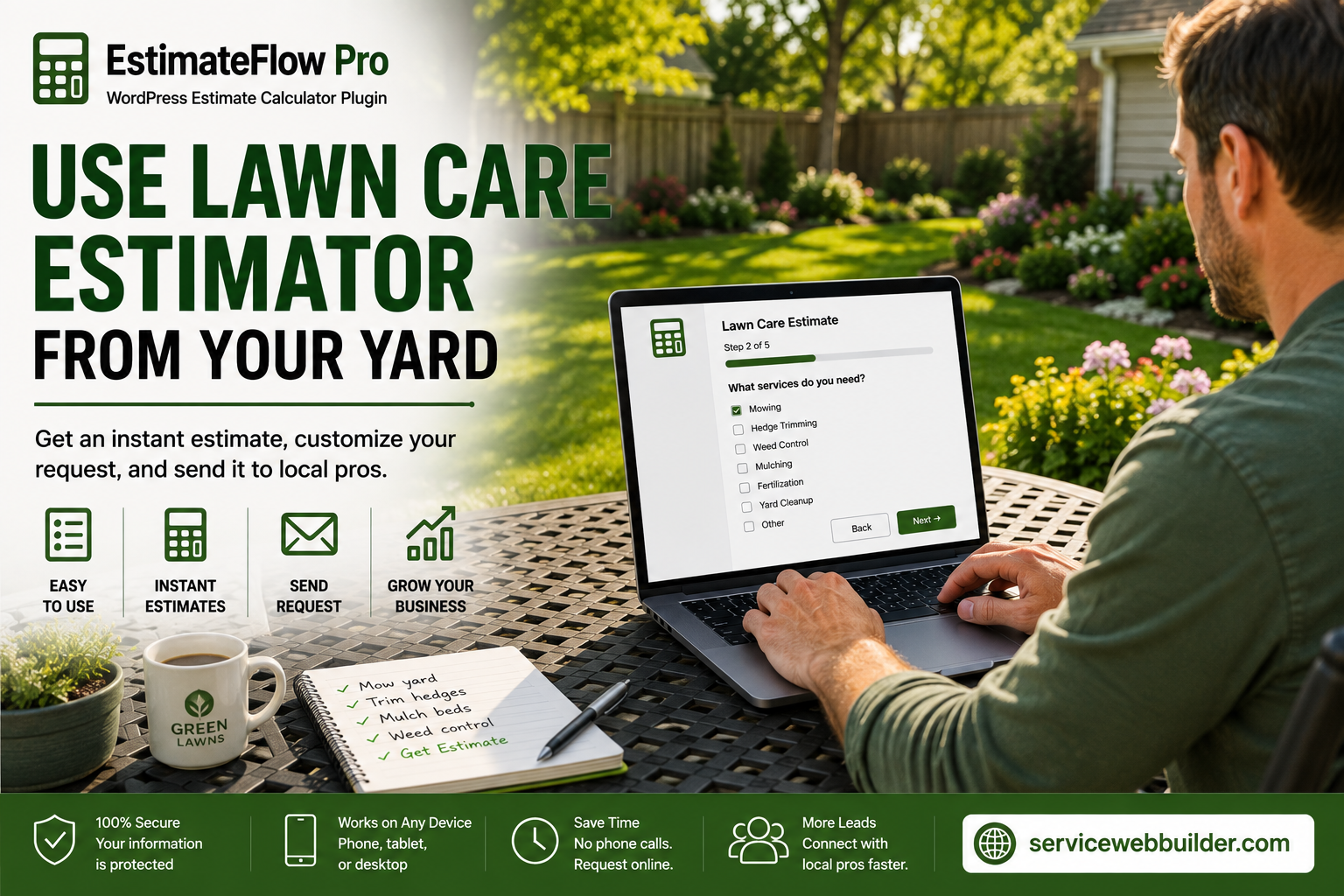
Customer using online lawn care estimator from residential yard

Make the Estimator Easy to Use From the Yard

Many lawn customers will open the estimator on a phone while looking at the property. Short questions, large answer controls, and a one-step-at-a-time layout make it easier to complete without zooming or searching through a long form. The estimator can be placed with Elementor or a shortcode, or opened in a popup through a floating action. Page-specific selection can connect the lawn-care page to the correct estimator instead of opening a general website form.

Use Adjustments Only for Factors You Can Estimate Reliably

EstimateFlow Pro lets answer choices change the preliminary range, but the rules should match the company’s real pricing method. Lot size may create a base range, while tall grass, extensive trimming, edging, difficult access, or heavy debris can add adjustments or require review.
  • Use clear size bands instead of expecting customers to know exact measurements.
  • Explain what the selected grass-height choice means.
  • Route steep, unsafe, inaccessible, or heavily overgrown properties to manual review.
  • Do not promise that uploaded photos reveal every condition.
  • Keep final pricing subject to verification of the property and requested work.

One-time or overgrown service

Ask about present condition, grass height, debris, access, and whether the property has been maintained recently.

Recurring lawn service

Ask about desired frequency, typical maintenance level, gates, recurring trimming and edging, and service-area eligibility.

Review the Lawn Request Before Confirming the Price

After submission, the business can review the customer’s answers, contact information, preliminary range, and optional property photos together. This provides a clearer starting point for confirming access, equipment fit, service frequency, and any remaining questions. Email notification can alert the configured recipient, but delivery depends on the WordPress mail configuration. Test authenticated email and spam placement before relying on notifications.

What Is a Lawn Care Estimate Calculator?

A lawn care estimate calculator is an online form or guided estimator that collects property and service details used to prepare preliminary lawn-care pricing. Common inputs include mowable area or lot size, grass height, terrain, trimming and edging needs, gates, obstacles, service frequency, and property photos. For variable lawn work, the calculator should provide preliminary guidance and route unusual, unsafe, inaccessible, or heavily overgrown properties to manual review instead of presenting every result as a guaranteed final price.

Lawn Care Estimate Calculator FAQs

Can I use lot-size ranges instead of exact measurements?

Yes. Create choices that customers can answer reliably and that match the company’s pricing model.

Can I charge more for 8-inch or 12-plus-inch grass?

You can connect height choices with adjustments or route taller properties to manual review.

Can I ask about weed eating and edging separately?

Yes. Separate questions help customers identify which lawn services they need.

Can customers upload yard photos?

Optional photos can show height, terrain, gates, and visible obstacles, but they do not replace inspection when required.

Is the displayed range a guaranteed mowing price?

No. Describe it as preliminary guidance based on submitted information and subject to business review.

Can I use a different estimator on each service page?

Yes. Page-specific estimator selection can connect different service pages with the appropriate flow.

Build a Better Lawn Care Estimator

Ask the questions that affect lawn work, explain preliminary pricing responsibly, and collect useful property details before following up with a new customer.

Explore the service-business estimator hub, learn how a WordPress cost calculator plugin can handle pricing rules and adjustments, try the live demo, or view related examples for pressure washing and contractors.