
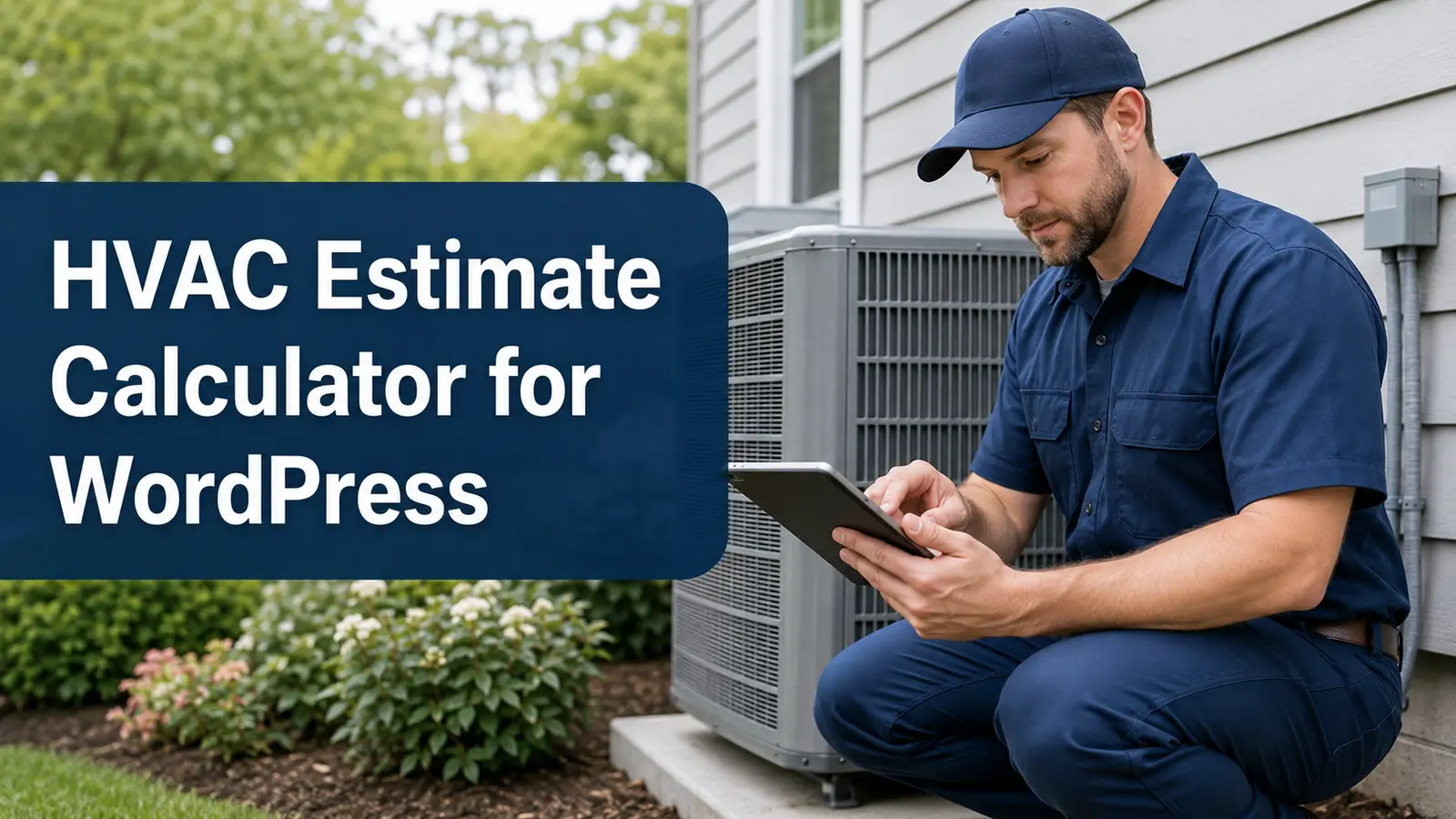
How to Create an HVAC Estimate Calculator in WordPress
An HVAC estimate calculator for WordPress collects heating and cooling project details, applies pricing rules set by the HVAC company, and sends an organized request for review.
A useful calculator can ask whether the visitor needs repair, replacement, maintenance, or a new installation; identify the equipment type; collect approximate property size, system age, symptoms, access, and efficiency preferences; and accept equipment photos. The result should remain preliminary because load calculations, diagnosis, ductwork, electrical requirements, permits, and site conditions can change final pricing.
Collect HVAC Project Details
Apply HVAC Price Factors
Show Preliminary Guidance
Capture Better HVAC Leads

What Is an HVAC Estimate Calculator for WordPress?
An HVAC estimate calculator for WordPress is an interactive lead-capture tool for heating, ventilation, and air-conditioning websites. It guides visitors through service-specific questions, applies business-defined pricing logic, and can display a preliminary range before sending the request to the company.
The calculator can route visitors into repair, replacement, maintenance, indoor-air-quality, ductwork, mini-split, heat-pump, furnace, or air-conditioning paths. This creates a more relevant experience than asking every visitor to complete the same generic contact form.
The estimator does not replace diagnosis, Manual J or other required load calculations, equipment matching, code review, or an onsite assessment. For the larger content structure, explore the service-business calculator hub and the WordPress estimate calculator plugin guide.
HVAC Questions to Include in the Calculator
Begin by asking whether the customer needs repair, replacement, maintenance, or help identifying the problem. Ask about the property type, approximate conditioned area, equipment category, fuel source, system age, number of systems, thermostat behavior, visible symptoms, unusual sounds or smells, and whether the system is operating at all.
Replacement paths can ask about desired efficiency, heat-pump interest, zoning, indoor-air-quality accessories, duct condition, equipment location, electrical-panel concerns, and access. Include “not sure” for model numbers, capacity, refrigerant, efficiency ratings, and other technical details a homeowner may not know.
HVAC Factors That Can Change Preliminary Pricing
Preliminary HVAC pricing may depend on system type, capacity, efficiency, equipment pairing, ductwork, line-set condition, controls, electrical work, drainage, permits, disposal, crane or attic access, accessories, labor, and local requirements. Repair costs also depend on diagnosis and the failed component.
The HVAC business should create every adjustment from its own current costs. Use a range when major conditions remain unknown and explain that equipment sizing, compatibility, availability, inspection, and code requirements can change the final proposal.
Use Clear Required-Answer Validation
Optional Equipment and Project Photos
HVAC-Specific Customer Wording
Build Separate Heating and Cooling Flows
Place It on the Correct HVAC Service Page
Review Every Request Before Final Pricing
Connect the Calculator to Helpful HVAC Content

Example HVAC Estimate Calculator Workflow
An HVAC replacement flow might ask whether the existing system is a split system, packaged unit, heat pump, furnace with air conditioning, boiler, or mini-split. It can collect approximate property size, system age, number of zones, fuel source, equipment locations, comfort problems, duct concerns, desired efficiency, and accessory interests.
A repair flow should stay shorter. It may ask whether the system runs, whether airflow is present, what the thermostat displays, when the problem began, whether breakers have tripped, and whether unusual water, ice, noise, or odors are visible. Customers should receive a safety notice when symptoms could indicate an electrical, gas, or carbon-monoxide concern.
After the questions, the visitor can see preliminary guidance, enter contact details, and upload safe equipment photos. The HVAC company reviews the submission before diagnosing, scheduling, or approving a final proposal.
How to Build the HVAC Calculator Step by Step
List the questions your team asks during initial HVAC calls. Separate repair, replacement, and maintenance paths; arrange questions from simple to technical; offer “not sure” choices; and require only essential information. Configure adjustments from verified company data and test every branch.
Use Preliminary Ranges Instead of Guaranteed Prices
Equipment cost is only one part of an HVAC project. Capacity, efficiency, ductwork, electrical service, controls, access, permits, disposal, and code corrections can affect the total. Present an honest low-to-high range with a visible disclaimer until the company completes the necessary review.
Collect Better Details Without Overwhelming Visitors
Ask the service type, system status, equipment category, property size, and highest-value symptoms first. Use conditional logic so a maintenance visitor does not answer replacement questions. Keep technical explanations short and provide a final notes field for unusual conditions.
Test Every HVAC Estimator Path
Verify every required field, answer branch, pricing adjustment, disclaimer, photo upload, notification, button, and confirmation screen. Test mobile and desktop layouts and ensure floating Call, Text, and Get Estimate buttons do not cover the estimator or internal links.
Why an HVAC Calculator Can Beat a Basic Contact Form
A generic form may collect only a name and a short message. An HVAC calculator can organize equipment details, symptoms, property information, efficiency goals, access, photos, and preliminary pricing before the first callback. Compare an estimate calculator with a contact form and review the online estimate form guide.
What an HVAC Calculator Cannot Determine Online
An online calculator cannot diagnose a failed component, test combustion, detect refrigerant leaks, verify airflow, measure static pressure, perform a load calculation, inspect ductwork, confirm electrical capacity, or select final equipment safely. Gas odors, smoke, suspected carbon monoxide, exposed wiring, or other immediate hazards require urgent professional or emergency assistance.
Explore Related WordPress Estimate Calculator Pages
Continue through the service-business estimate calculator hub or compare related examples for plumbing companies, roofing companies, electrical contractors, general contractors, and remodeling companies. You can also review EstimateFlow Pro features, try the live demo, and view pricing.
Build an HVAC Estimate Flow for Your WordPress Website
EstimateFlow Pro lets HVAC companies create service-specific questions, apply their own pricing adjustments, display preliminary ranges, collect contact details and optional photos, and review every request before approving final work.