

How to Create a Landscaping Estimate Calculator in WordPress
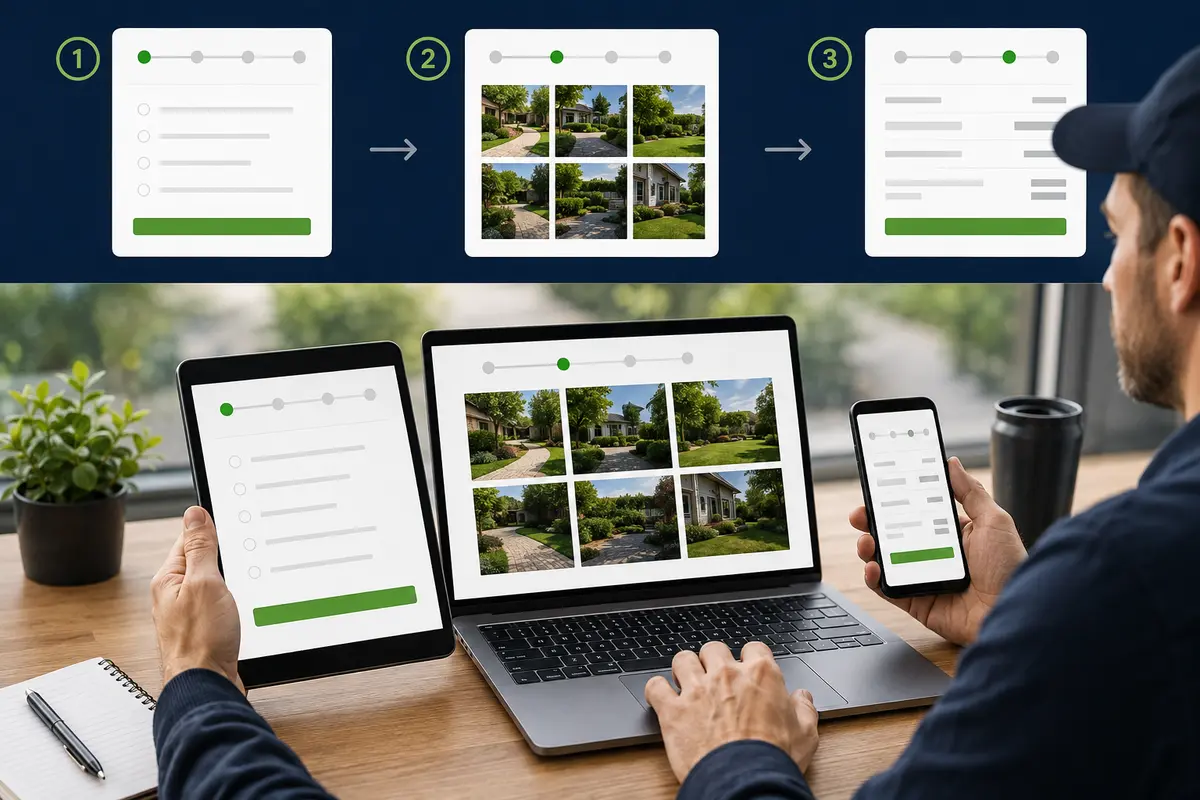
A landscaping estimate calculator for WordPress collects yard and project details, applies pricing rules chosen by the landscaping company, and sends an organized request for review.
A useful calculator can ask which service is needed, approximate lawn or project size, current conditions, terrain, access, material preferences, cleanup requirements, and service frequency. It can show preliminary guidance for mowing, cleanups, planting, mulch, sod, beds, or other defined services while leaving final measurements, design, availability, and pricing under business control.
Collect Landscaping Project Details
Apply Landscaping Price Factors
Show Preliminary Guidance
Capture Better Landscaping Leads
What Is a Landscaping Estimate Calculator for WordPress?
A landscaping estimate calculator for WordPress is an interactive website tool that asks service-specific questions and applies pricing logic configured by the landscaping company. It can display a preliminary range and record the complete request for follow-up.
The calculator can separate recurring mowing from one-time cleanups, mulch installation, planting, sod, bed renovation, shrub trimming, leaf removal, or landscape improvements. Each service can use its own questions instead of forcing every visitor through one generic form.
The estimator does not replace an onsite measurement, soil review, drainage assessment, design consultation, utility location, or final material calculation. For the broader strategy, explore the service-business calculator hub and the WordPress estimate calculator plugin guide.
Landscaping Questions to Include in the Calculator
Begin with the requested service and property type. Ask for approximate lawn or project area, service frequency, grass or weed height, terrain, gates, obstacles, pets, irrigation, existing beds, cleanup needs, and whether debris must be hauled away. Provide familiar size choices when customers do not know square footage.
Installation paths can ask about material type, desired depth, bed dimensions, plant quantity, sunlight, water access, edging, removal of old material, delivery, and equipment access. Include “not sure” where professional measurement or design is necessary.
Landscaping Factors That Can Change Preliminary Pricing
Landscaping prices may depend on area, frequency, vegetation height, slope, obstacles, trimming, edging, material quantity, delivery, disposal, soil preparation, irrigation, equipment access, travel, and seasonal demand. Installation work may also require design time, excavation, grading, or multiple visits.
The company should build adjustments from its own labor, equipment, disposal, and material costs. Use a preliminary range when measurements or conditions remain unknown and explain what must be verified before the final proposal.
Use Clear Required-Answer Validation
Optional Yard and Project Photos
Landscaping-Specific Customer Wording
Create Separate Flows for Different Services
Place It on the Correct Landscaping Page
Review Every Request Before Final Pricing
Connect the Calculator to Helpful Landscaping Content
Example Landscaping Estimate Calculator Workflow
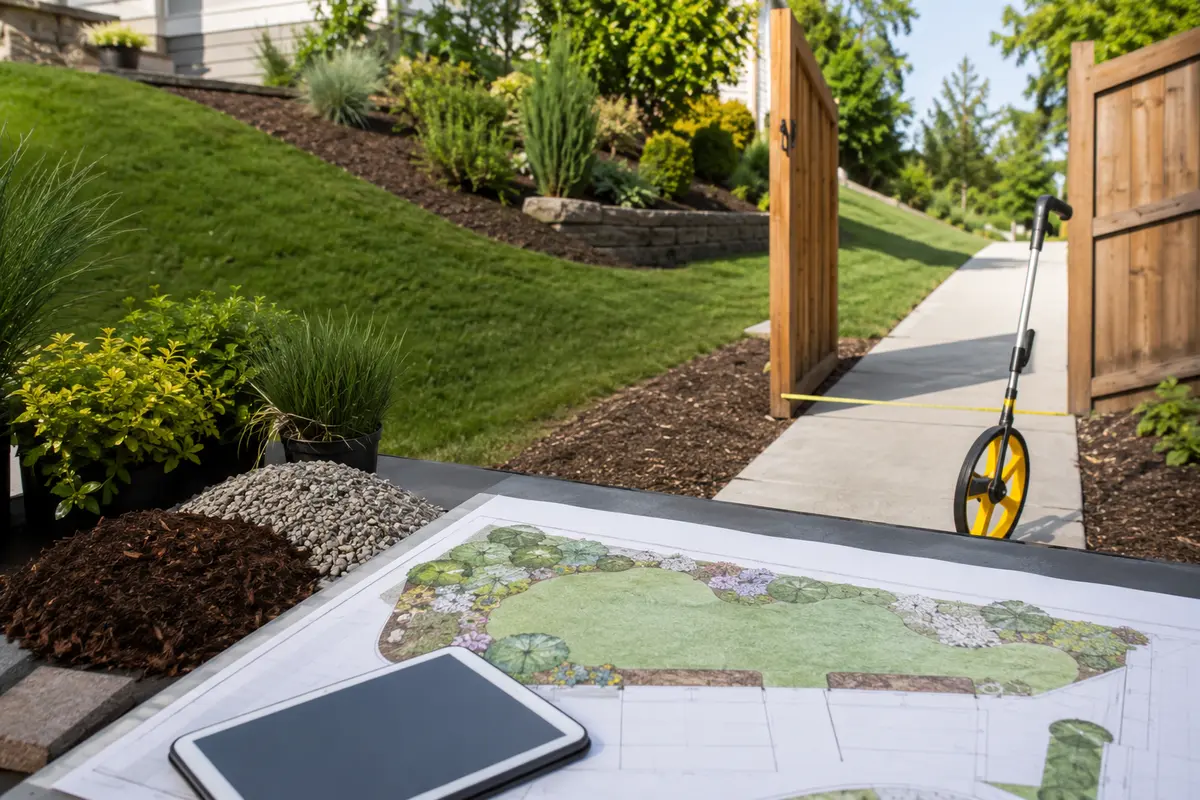
A recurring mowing flow might ask for property type, approximate lawn size, desired frequency, grass height, slope, gates, fenced areas, obstacles, pets, edging needs, and whether clippings should be bagged. Pricing adjustments can reflect verified company policies for size, height, frequency, and access.
A mulch-installation flow can ask for approximate bed area, desired material and depth, existing material removal, weed-barrier preferences, edging, delivery access, and whether plant or irrigation work is included. Photos help the company understand bed shape and access before measuring onsite.
The visitor receives preliminary guidance, enters contact information, and submits notes and photos. The landscaping company reviews the request before confirming measurements, materials, schedule, or a final proposal.
How to Build the Landscaping Calculator Step by Step
List the questions your team asks during the first call. Separate maintenance, cleanup, and installation paths; arrange questions from easy to specific; provide approximate choices; and require only essential information. Add pricing rules from verified company data and test every branch.
Use Preliminary Ranges Instead of Guaranteed Prices
Yard size alone does not determine a landscaping price. Terrain, vegetation, access, materials, preparation, hauling, irrigation, and equipment needs can change the work. Present an honest range until the company verifies measurements and site conditions.
Collect Useful Details Without Making the Form Too Long
Ask the service, approximate area, current condition, access, and desired timing first. Use conditional logic so a mowing customer does not answer planting questions. Short choices keep the form moving, while notes and photos cover unusual details.
Test Every Landscaping Estimator Path
Test every answer path, required field, pricing adjustment, photo upload, notification, button, disclaimer, and confirmation message. Check mobile and desktop layouts and ensure floating buttons do not cover the estimator or internal links.
Why a Landscaping Calculator Can Beat a Basic Contact Form
A generic contact form may collect only a name and brief request. A landscaping calculator can organize service type, size, frequency, conditions, access, materials, hauling, and photos before the first callback. Compare an estimate calculator with a contact form and review the online estimate form guide.
What a Landscaping Calculator Cannot Determine Online
An online calculator cannot confirm exact measurements, soil quality, drainage, underground utilities, irrigation condition, plant health, grading, permit needs, material availability, or hidden access problems. Those details require professional review before the business commits to a design, schedule, or final price.
Explore Related WordPress Estimate Calculator Pages
Continue through the service-business estimate calculator hub or compare related examples for roofing companies, general contractors, remodeling companies, fence companies, tree services, and concrete contractors. You can also review EstimateFlow Pro features, try the live demo, and view pricing.
Build a Landscaping Estimate Flow for Your WordPress Website
EstimateFlow Pro lets landscaping companies create service-specific questions, apply their own pricing adjustments, display preliminary ranges, collect contact details and optional photos, and review every request before approving final work.