
How to Create a Commercial Cleaning Estimate Calculator in WordPress
A commercial cleaning estimate calculator for WordPress collects information about facility type, cleanable square footage, occupancy, service areas, restrooms, floors, frequency, schedule, security, supplies, and special requirements, applies company-defined pricing rules, and sends an organized request for review.
A useful estimator can ask whether the prospect manages an office, retail store, medical office, school, church, restaurant, warehouse, apartment common area, or other facility; total and cleanable area; operating hours; employee and visitor volume; restroom and breakroom counts; flooring; trash; touchpoints; periodic work; day or night access; and desired frequency. It can show preliminary guidance while reserving walkthrough findings, production-rate verification, staffing, compliance requirements, supply planning, availability, and final pricing for the cleaning company.
Collect Facility and Cleaning Details
Apply Commercial Cleaning Price Factors
Show Preliminary Guidance
Capture Better Commercial Cleaning Leads
What Is a Commercial Cleaning Estimate Calculator for WordPress?
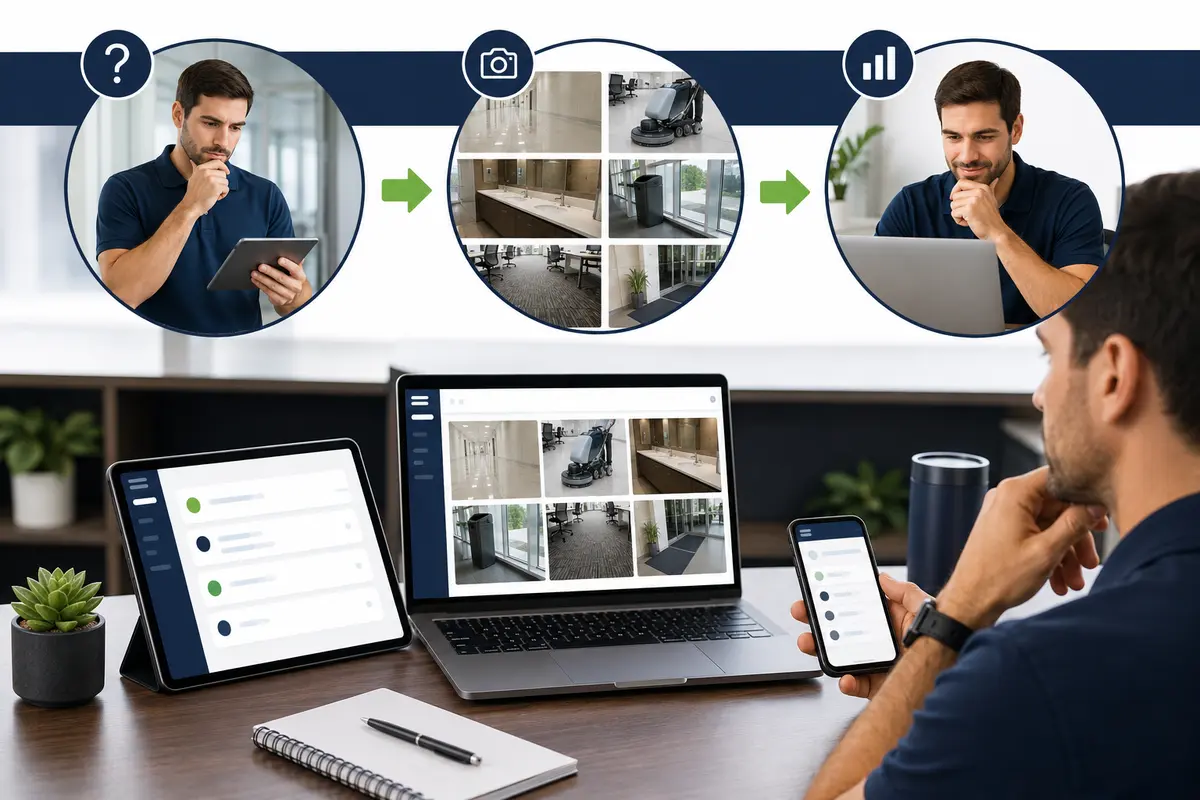
A commercial cleaning estimate calculator for WordPress is an interactive lead tool that asks facility-specific questions and applies pricing logic configured by the cleaning company. It can display a preliminary range and store the complete request for review.
The calculator can separate offices, retail spaces, medical offices, schools, churches, restaurants, warehouses, apartment common areas, post-construction cleanup, and recurring janitorial plans. Each path can ask relevant questions about size, occupancy, rooms, floors, schedule, security, supplies, and frequency.
The estimator cannot replace a walkthrough, verify every cleanable area, assess regulated environments, identify hazardous contamination, confirm staffing requirements, or determine every contractual obligation. Explore the service-business calculator hub and the WordPress estimate calculator plugin guide for the broader strategy.
Commercial Cleaning Questions to Include in the Calculator
Begin by asking facility type, total and cleanable square footage, floors, operating hours, employee and visitor counts, and desired service frequency. Collect office, restroom, breakroom, exam room, classroom, lobby, elevator, stairwell, warehouse, and common-area counts as relevant.
Ask about carpet, resilient flooring, tile, concrete, floor-care expectations, trash and recycling, consumables, kitchens, high-touch disinfection, interior glass, periodic projects, day porter needs, loading access, parking, alarms, badges, keys, background checks, and service windows. Provide “not sure” choices and never request passwords, alarm codes, or sensitive security instructions in the public estimator.
Commercial Cleaning Factors That Can Change Preliminary Pricing
Commercial-cleaning pricing can depend on cleanable square footage, facility type, occupancy, restrooms, kitchens, floor mix, frequency, service level, production rates, periodic tasks, consumables, equipment, staffing, supervision, schedule, security, access, travel, and minimum charges.
The company should configure adjustments using verified production times, labor burden, supplies, equipment, supervision, and policies. Use preliminary ranges until the facility and scope are reviewed, and explain what is included and excluded.
Optional services can include carpet spotting, floor finishing, machine scrubbing, interior glass, consumable restocking, day porter coverage, event cleanup, high dusting, or periodic deep cleaning. Clear choices help prospects understand price drivers without presenting the online result as a guaranteed contract proposal.
Use Clear Required-Answer Validation
Optional Facility and Area Photos
Commercial-Cleaning-Specific Customer Wording
Create Separate Flows for Different Facilities
Place It on the Correct Commercial Cleaning Page
Review Every Request Before Final Pricing
Connect the Calculator to Helpful Commercial Cleaning Content
Example Commercial Cleaning Estimate Calculator Workflow
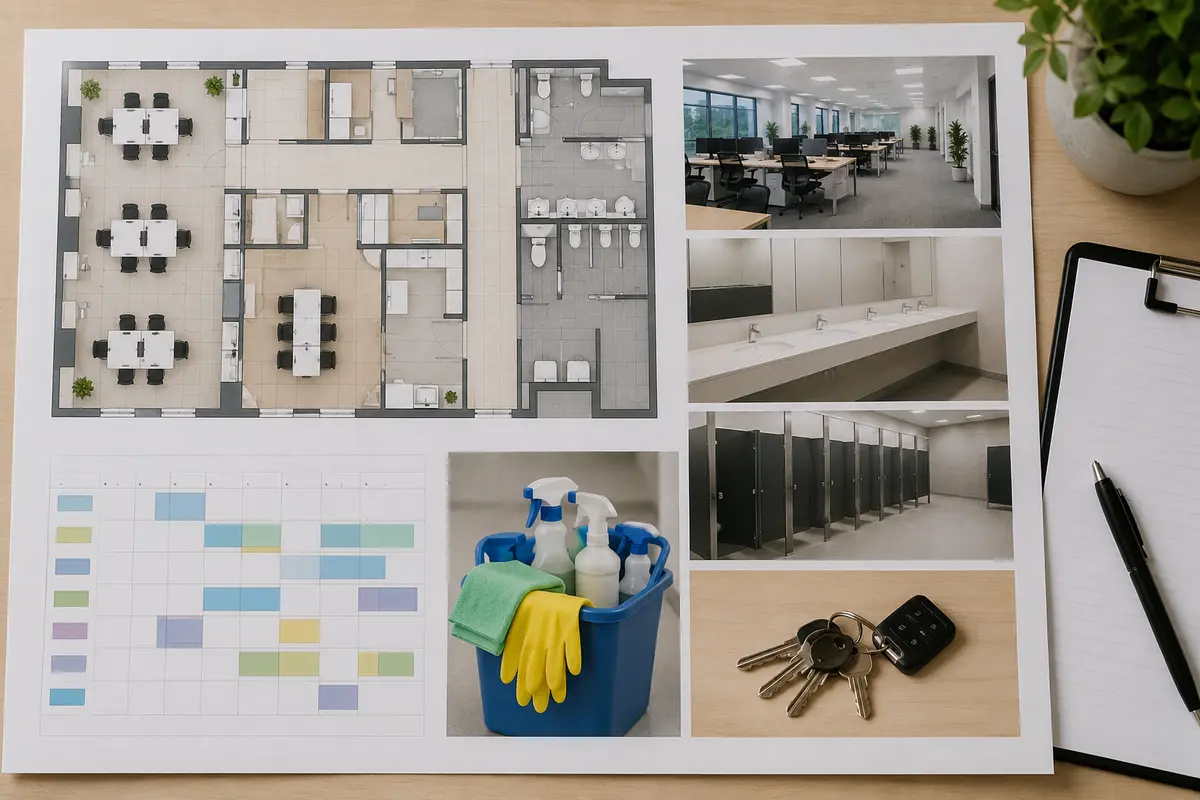
An office flow might ask cleanable square footage, employee count, offices, conference rooms, restrooms, breakrooms, carpet and hard-floor percentages, trash, interior glass, frequency, after-hours access, and consumable needs.
Sample office-cleaning configuration: begin with cleanable square footage and service frequency, then apply cleaning-company-controlled rules for restroom and breakroom counts, occupancy, carpet and hard-floor mix, consumable restocking, periodic floor care, interior glass, day-porter coverage, after-hours access, travel, and minimum service charges. Selecting a medical office, restaurant, school, or industrial area should reveal specialized follow-up questions instead of silently applying a generic price. The cleaning company—not the plugin—supplies and maintains every production rate and price.
A warehouse flow can ask office and warehouse areas separately, restrooms, breakrooms, concrete floor care, dust level, dock areas, equipment traffic, shift schedule, safety orientation, floor machines, and service windows.
The prospect receives preliminary guidance, enters contact information, and submits notes and non-sensitive photos. The company completes a walkthrough when needed before confirming the scope, staffing plan, schedule, and final proposal.
Example customer disclaimer: “This preliminary range is based only on the submitted facility and scope information. Final pricing requires review of cleanable area, occupancy, service frequency, floors, restrooms, supplies, access, staffing, security, special conditions, and requested work.”
How to Build the Commercial Cleaning Calculator Step by Step
List the questions your team asks during the first call. Separate office, retail, medical, education, worship, restaurant, warehouse, common-area, and construction flows; arrange questions from simple to specific; include “not sure”; and require only essential information. Add verified pricing logic and test every branch.
Use Preliminary Ranges Instead of Guaranteed Prices
Square footage alone may not reveal occupancy, room mix, restrooms, kitchens, floor types, frequency, service level, periodic tasks, consumables, security, equipment, or schedule. Present an honest range until the scope and facility are reviewed.
Collect Useful Details Without Making the Form Too Long
Ask facility type, cleanable area, occupancy, frequency, restrooms, floors, and schedule first. Conditional logic prevents an office prospect from answering every warehouse or medical-facility question. Use short choices plus a notes field and non-sensitive photo option.
Test Every Commercial Cleaning Estimator Path
Test every answer path, required field, pricing adjustment, photo upload, notification, button, disclaimer, and confirmation screen. Check mobile and desktop layouts and confirm floating actions do not cover links or form controls.
Why a Commercial Cleaning Calculator Can Beat a Basic Contact Form
A generic form may collect only a name and “clean our office.” A commercial cleaning calculator can organize area, occupancy, rooms, restrooms, floors, frequency, schedule, security, photos, and preliminary pricing before the first callback. Compare an estimate calculator with a contact form and review the online estimate form guide.
What a Commercial Cleaning Calculator Cannot Determine Online
An online calculator cannot inspect the facility, verify regulated cleaning protocols, assess bloodborne pathogens, mold, chemicals, sharps, bodily fluids, industrial residue, food-safety requirements, or specialized containment, or finalize insurance and contractual requirements. Those conditions require direct professional review.
Common mistakes to avoid: pricing from total square footage instead of cleanable area, ignoring occupancy and restroom use, hiding minimum charges, treating every facility alike, promising an exact total, collecting sensitive security details, and failing to test mobile photo uploads and notifications. Review pricing rules whenever labor burden, production rates, supplies, equipment, travel, insurance, or compliance requirements change.
Last reviewed August 19, 2026. This guide is educational and should be adapted to the cleaning company’s services, operating area, pricing, safety procedures, and contractual requirements.
Explore Related WordPress Estimate Calculator Pages
Continue through the service-business estimate calculator hub, learn how a WordPress estimate calculator plugin works, or compare an estimate calculator with a basic contact form. Related cleaning examples include the house-cleaning estimate calculator and window-cleaning estimate calculator. For facility photos and unusual scopes, review the WordPress photo-quote form guide. You can also review EstimateFlow Pro features, try the live demo, and view pricing.
Build a Commercial Cleaning Estimate Flow for Your WordPress Website
EstimateFlow Pro lets commercial cleaning companies create facility-specific questions, apply their own pricing adjustments, display preliminary ranges, collect contact details and optional photos, and review every request before approving scope and scheduling.