
How to Create a Fence Estimate Calculator in WordPress
A fence estimate calculator for WordPress collects information about fence type, material, approximate length and height, gates, terrain, removal, access, and property conditions, applies contractor-defined pricing rules, and sends an organized request for review.
A useful estimator can ask whether the customer needs a new fence, replacement, repair, gate, staining, or removal; preferred wood, vinyl, chain-link, aluminum, steel, or composite material; estimated linear footage; height; gate count and width; slopes; corners; access; existing-fence disposal; and timing. It can show preliminary guidance while reserving measurement, utility-location requirements, property-line verification, material availability, permits, site inspection, and final pricing for the fence contractor.
Collect Fence and Property Details
Apply Fence Project Price Factors
Show Preliminary Guidance
Capture Better Fence Contractor Leads
What Is a Fence Estimate Calculator for WordPress?
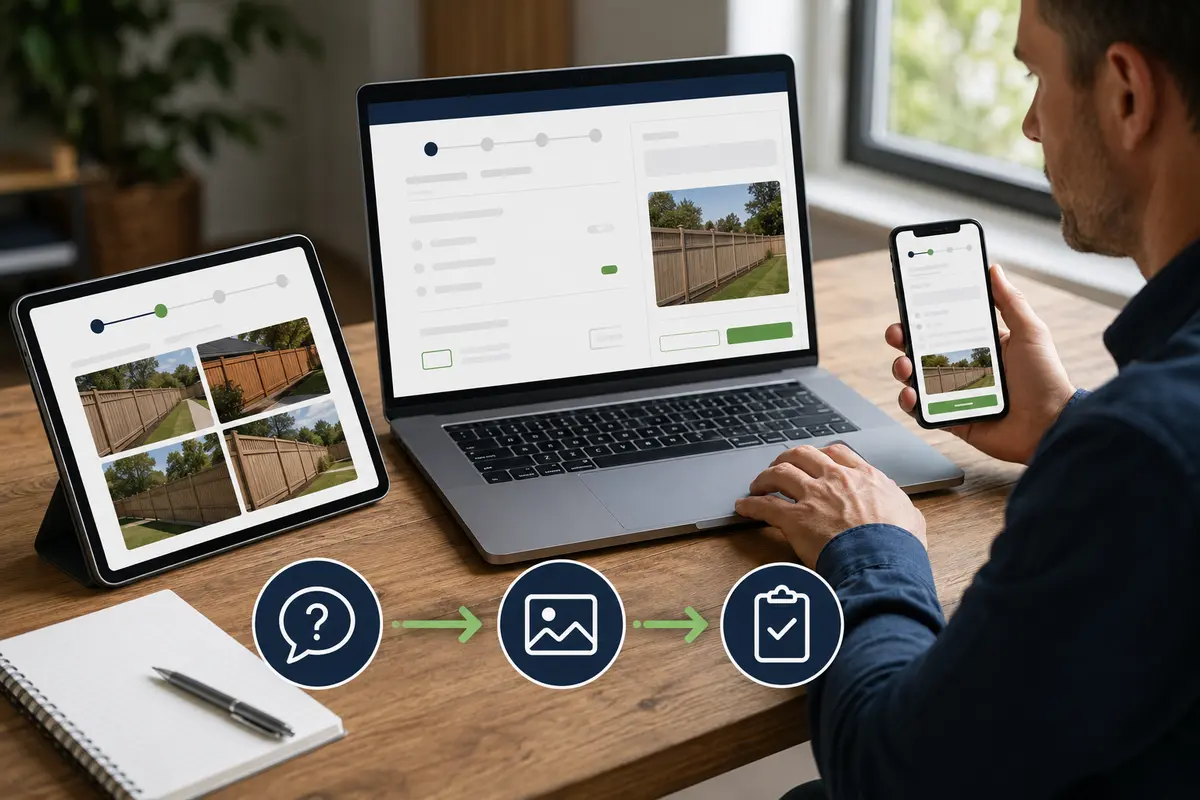
A fence estimate calculator for WordPress is an interactive lead tool that asks fence-project questions and applies pricing logic configured by the contractor. It can display a preliminary range and store the complete request for professional review.
The calculator can separate wood privacy fences, vinyl, chain-link, aluminum, ornamental steel, farm fencing, pool barriers, repairs, gates, removal, and staining. Each path can ask relevant questions about length, height, posts, gates, terrain, access, and existing conditions.
The estimator cannot survey a boundary, locate underground utilities, verify code or HOA approval, inspect hidden soil conditions, or replace an on-site measurement. Explore the service-business calculator hub and the WordPress estimate calculator plugin guide for the broader strategy.
Fence Questions to Include in the Calculator
Begin by asking what fence work is requested and which material the customer prefers. Collect approximate linear footage, height, number of sides, corners, gates and gate widths, privacy or security goals, pets or children, existing fence condition, removal needs, and desired timing.
Ask about slopes, retaining walls, rock or difficult soil, trees, landscaping, narrow gates, backyard access, alleys, neighboring fences, easements, known utilities, and whether a survey or HOA approval exists. Provide “not sure” choices and explain that online answers do not establish boundaries or safe digging locations.
Fence Factors That Can Change Preliminary Pricing
Fence pricing can depend on material, linear footage, height, post spacing and depth, gate quantity and hardware, corners, slopes, soil, demolition, hauling, access, staining, permits, travel, and custom details.
The contractor should configure adjustments using current labor, material, disposal, and equipment costs. Use preliminary ranges until measurements and site conditions are verified, and explain what is included and excluded.
Optional upgrades can include decorative caps, trim boards, kickboards, upgraded hinges and latches, privacy features, protective finishes, or reinforced gate posts. Showing these as clear choices helps customers understand how selections affect the preliminary range without presenting the result as a guaranteed contract price.
Use Clear Required-Answer Validation
Optional Fence and Property Photos
Fence-Specific Customer Wording
Create Separate Flows for Different Fence Work
Place It on the Correct Fence Service Page
Review Every Request Before Final Pricing
Connect the Calculator to Helpful Fence Content
Example Fence Estimate Calculator Workflow
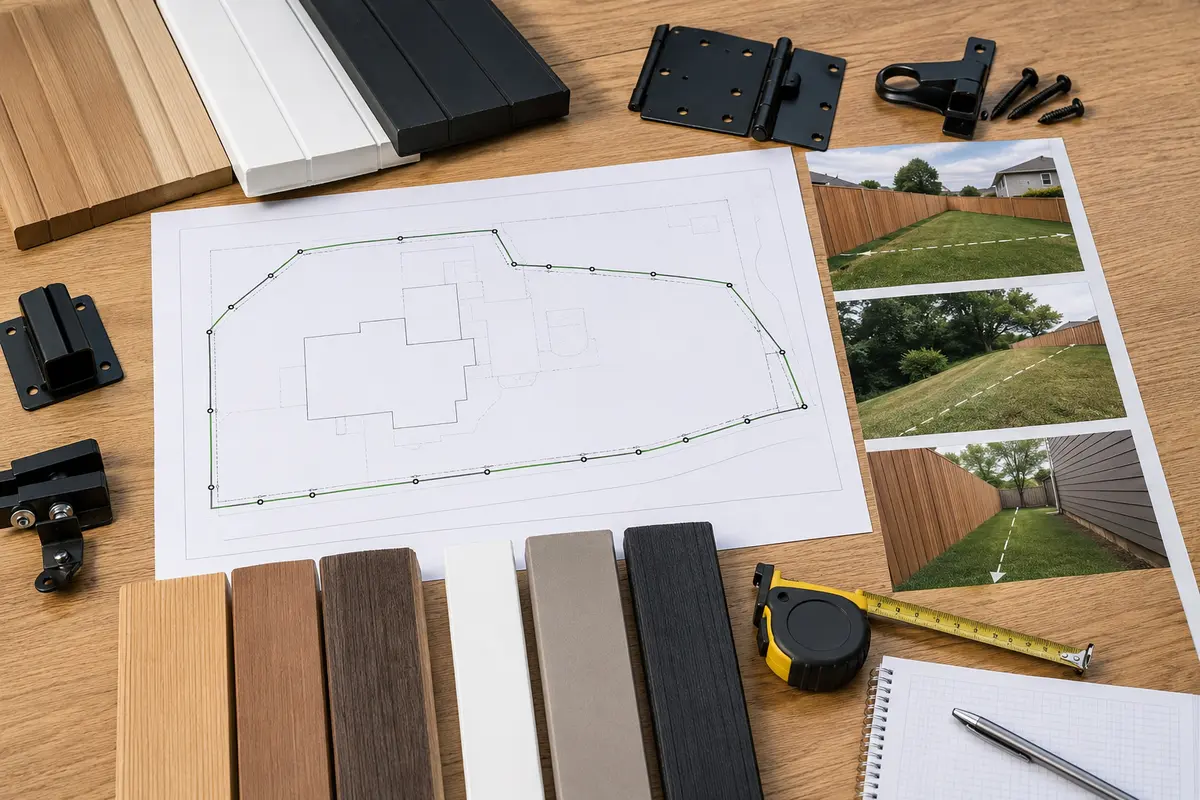
A wood privacy fence flow might ask approximate footage, desired height, picket style, treated pine or cedar, post preference, number and width of gates, slope, removal, staining, access, and timing.
Sample wood-fence configuration: begin with the contractor’s minimum project charge, then apply contractor-controlled rules for linear footage, material, fence height, post spacing and depth, corners, gate quantity and width, upgraded hardware, existing-fence removal, disposal, rocky or sloped ground, restricted access, staining, travel, and decorative upgrades. A repair path should ask which posts, rails, pickets, panels, or gates are affected instead of treating the work as a new installation. The fence contractor—not the plugin—supplies and maintains every labor, material, equipment, and disposal price.
A chain-link flow can ask footage, height, coating, privacy slats, terminal posts, walk gates, drive gates, pet or security needs, terrain, and removal.
The visitor receives preliminary guidance, enters contact information, and submits notes and photos. The contractor measures and reviews the property before confirming materials, utility coordination, schedule, and final price.
Example customer disclaimer: “This preliminary range is based only on the submitted project details. Final pricing requires contractor review of measurements, boundaries, utilities, soil, terrain, access, demolition, permits, HOA requirements, materials, gates, and requested upgrades.”
How to Build the Fence Calculator Step by Step
List the questions your team asks during the first call. Separate materials, installation, replacement, repair, gates, removal, and staining; arrange questions from simple to specific; include “not sure”; and require only essential information. Add verified pricing logic and test every branch.
Use Preliminary Ranges Instead of Guaranteed Prices
Approximate footage alone may not reveal height, material, posts, gates, corners, slope, soil, removal, access, permits, or custom work. Present an honest range until measurements and site conditions are reviewed.
Collect Useful Details Without Making the Form Too Long
Ask project type, material, approximate footage, height, gates, terrain, and access first. Conditional logic prevents a repair customer from answering every new-installation question. Use short choices plus a notes field and photo option.
Test Every Fence Estimator Path
Test every answer path, required field, pricing adjustment, photo upload, notification, button, disclaimer, and confirmation screen. Check mobile and desktop layouts and confirm floating actions do not cover links or form controls.
Why a Fence Calculator Can Beat a Basic Contact Form
A generic form may collect only a name and “I need a fence.” A fence calculator can organize material, length, height, gates, corners, terrain, removal, access, photos, and preliminary pricing before the first callback. Compare an estimate calculator with a contact form and review the online estimate form guide.
What a Fence Calculator Cannot Determine Online
An online calculator cannot establish property lines, locate buried utilities, inspect soil below grade, verify easements, confirm HOA approval, determine engineering needs, check every code requirement, or guarantee material availability. Those decisions require contractor and property review.
Common mistakes to avoid: treating approximate footage as a survey, ignoring gates and corners, hiding minimum charges, overlooking removal and disposal, pricing all soil and terrain alike, promising a final total, and failing to test mobile photo uploads and notifications. Review calculator rules whenever labor, lumber, metal, concrete, hardware, disposal, fuel, equipment, or permit costs change.
Last reviewed August 19, 2026. This guide is educational and should be adapted to the contractor’s services, operating area, pricing, permit requirements, and safe-digging procedures.
Explore Related WordPress Estimate Calculator Pages
Continue through the service-business estimate calculator hub or compare related examples for landscaping companies, tree service companies, concrete contractors, remodeling companies, and general contractors. For fence-line and access photos, review the WordPress photo-quote form guide. You can also review EstimateFlow Pro features, try the live demo, and view pricing.
Build a Fence Estimate Flow for Your WordPress Website
EstimateFlow Pro lets fence contractors create project-specific questions, apply their own pricing adjustments, display preliminary ranges, collect contact details and optional photos, and review every request before approving scope and scheduling.