
EstimateFlow Lite
A free WordPress estimate calculator and lead-capture plugin built for service businesses. Create one guided multi-step estimator, apply business-controlled price adjustments, display a preliminary estimate range, collect customer information, and save qualified estimate requests in WordPress.
EstimateFlow Lite is designed for businesses that want a simple way to replace a basic contact form with a more useful guided estimate request.
What EstimateFlow Lite Is
EstimateFlow Lite helps a service business ask better questions before a customer submits a request. The business creates the estimator, defines the answer choices, and controls the pricing adjustments used to calculate a preliminary range.
The plugin does not invent prices, guarantee a final price, process payments, or replace an onsite inspection. It gives customers useful early guidance while giving the business better information than a standard contact form.
EstimateFlow Lite is suitable for junk removal, lawn care, cleaning, handyman work, pressure washing, moving services, small contractors, and other service businesses.
Free EstimateFlow Lite Features
- One published estimator for the WordPress website
- Guided multi-step estimate questions
- Custom questions and answer choices
- Required-question validation
- Business-controlled price adjustments
- Preliminary estimated price range
- Customer name, telephone, email, service area, and notes
- Saved lead records inside WordPress
- Business email notification
- Floating Get Estimate button and popup estimator
- Basic colors, labels, and display settings
- Spam protection and cache compatibility
Important: The business is responsible for entering accurate pricing rules and explaining that the displayed range is preliminary.
How to Install and Start Using EstimateFlow Lite
- In WordPress, open Plugins → Add New Plugin.
- After directory approval, search for EstimateFlow Lite. During pre-release testing, upload the approved EstimateFlow Lite ZIP.
- Install and activate the plugin.
- Open EstimateFlow → Estimators.
- Create and publish your one Lite estimator.
- Add questions, answer choices, and price adjustments.
- Open EstimateFlow → Settings and configure the notification email, popup label, colors, and customer-facing messages.
- Enable the floating Get Estimate popup.
- Clear the website, hosting, CDN, and browser caches.
- Test the complete estimator while logged out, including a fictional lead submission and notification email.
For detailed setup help, visit the EstimateFlow documentation or contact support.
EstimateFlow Lite Screenshots
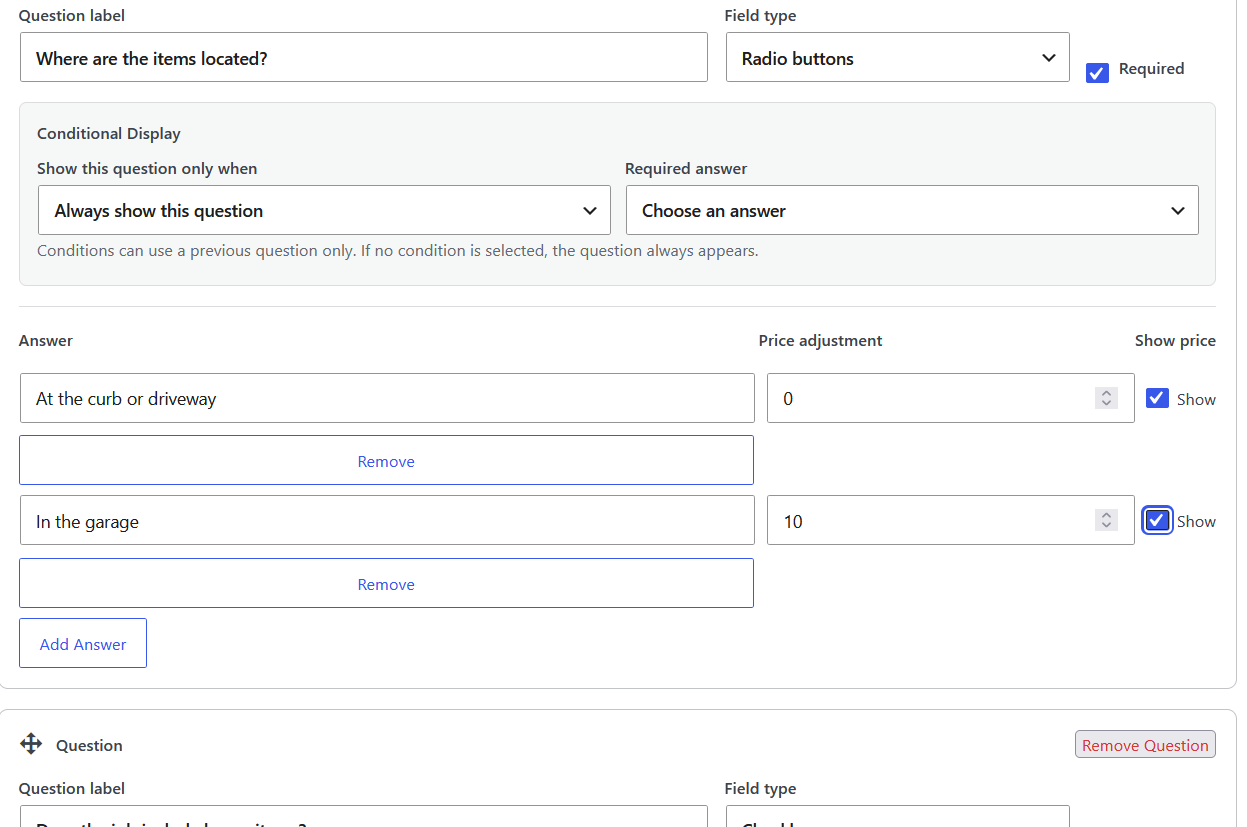
These views show the estimator builder, customer popup experience, preliminary estimate range, and saved lead-management screen.
Build one guided estimator with custom questions, answer choices, and pricing adjustments.
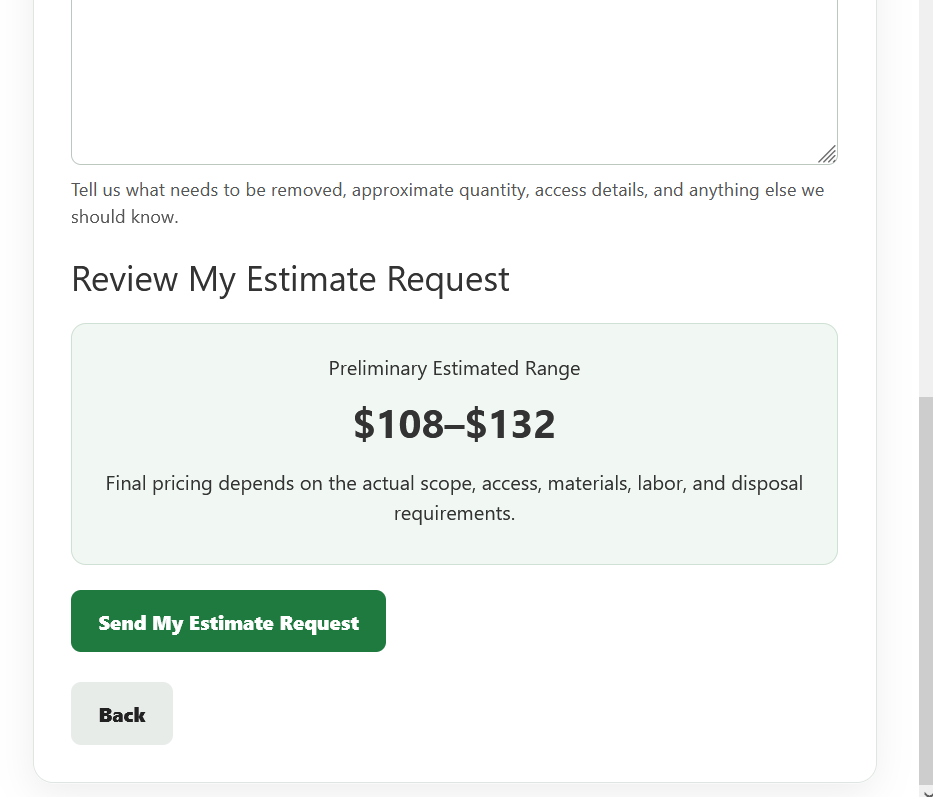
Customers answer service questions in a clean, multi-step popup.
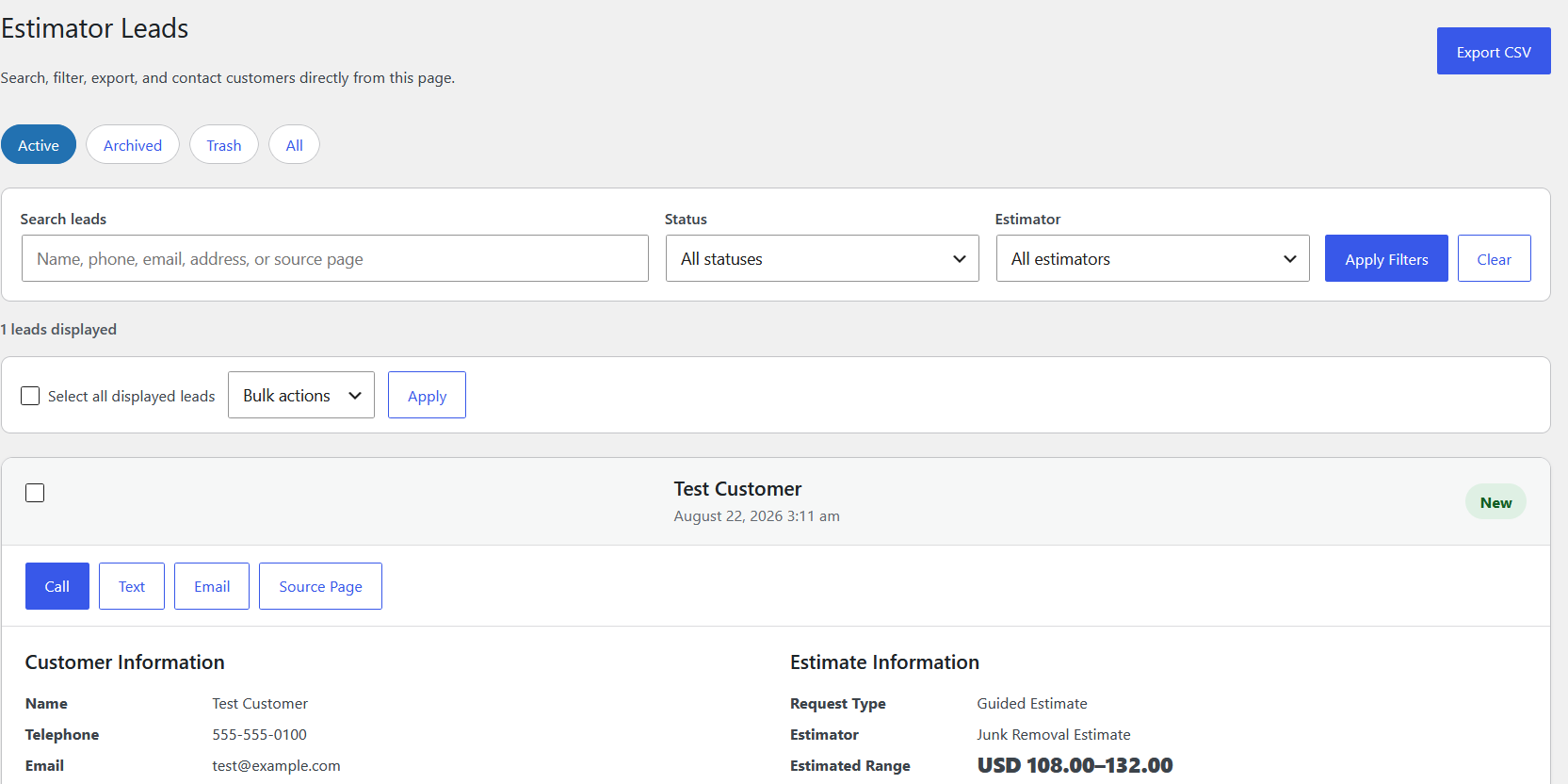
Display a preliminary range before the customer sends the estimate request.
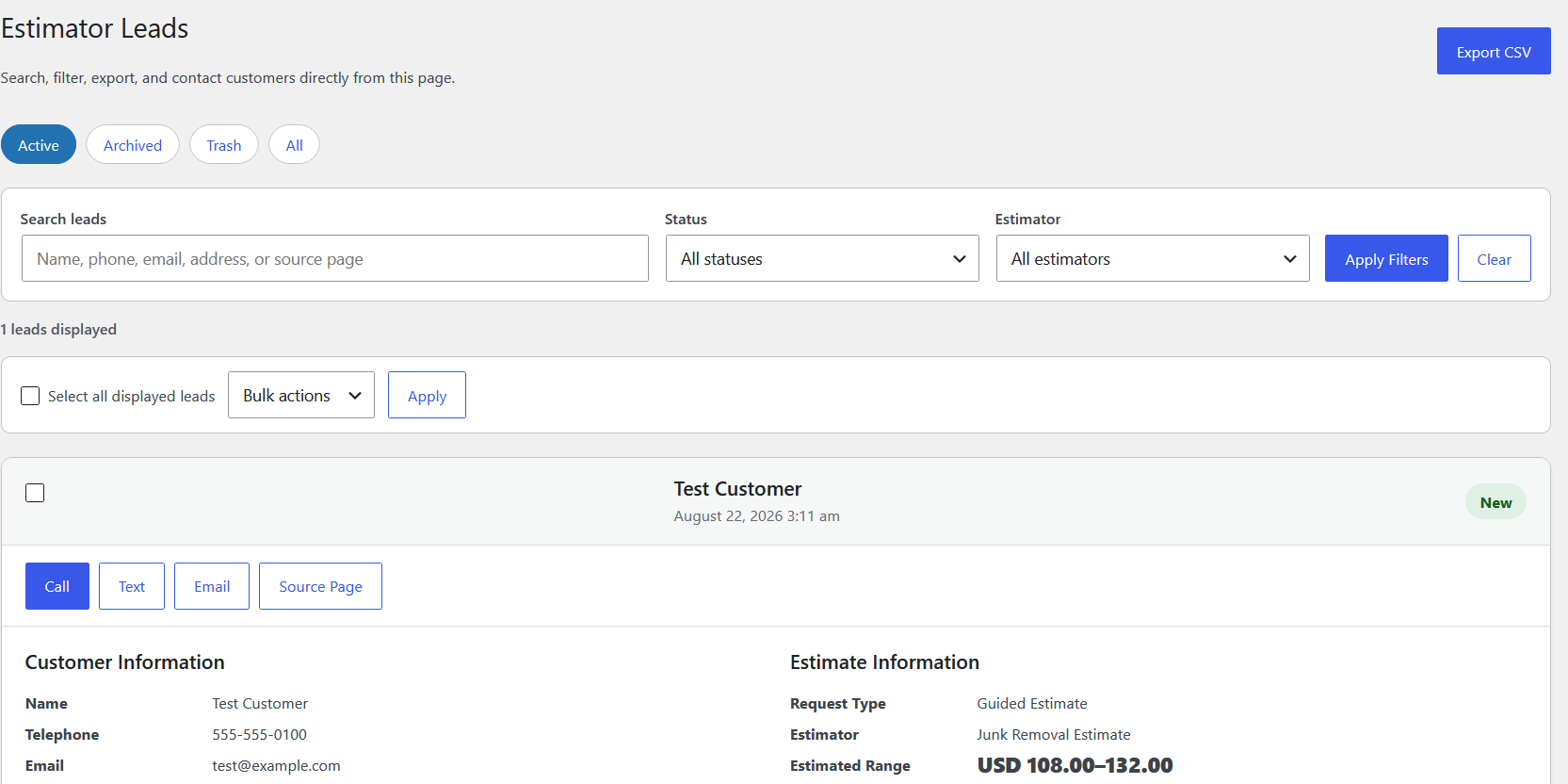
Review saved customer contact details, answers, and preliminary ranges in WordPress.
EstimateFlow Lite Limitations
EstimateFlow Lite allows one published estimator. This limit keeps the free edition focused and straightforward. If an estimator already exists, WordPress will explain why another estimator cannot be added.
Lite does not include unlimited estimators, customer photo uploads, the Elementor widget, advanced sitewide and page-specific estimator selection, the full Call/Text/Get Estimate floating action bar, or priority support.
EstimateFlow Lite provides preliminary estimate guidance only. Final pricing can change after the business reviews the actual scope, access, materials, labor, disposal requirements, and other job conditions.
EstimateFlow Lite vs EstimateFlow Pro
| Capability | EstimateFlow Lite | EstimateFlow Pro |
|---|---|---|
| Published estimators | One | Unlimited |
| Guided multi-step questions | Included | Included |
| Preliminary estimate ranges | Included | Included |
| Lead capture and WordPress records | Included | Included |
| Basic popup Get Estimate button | Included | Included |
| Customer photo uploads | Not included | Included |
| Elementor widget | Not included | Included |
| Call, Text, and Estimate floating controls | Not included | Included |
| Sitewide and page-specific estimator selection | Not included | Included |
| Advanced styling and wording controls | Limited | Included |
| Support | Community/basic support | Customer support during the active license term |
Need photo uploads, unlimited estimators, advanced display controls, or the Elementor widget? Learn about EstimateFlow Pro.
Privacy and Data Handling
EstimateFlow Lite collects information that a customer voluntarily submits through the estimator. Depending on the fields enabled by the website owner, this may include the customer’s name, telephone number, email address, service address or area, request notes, estimator answers, and preliminary estimate range.
Submitted lead information is stored in the website’s WordPress database. Notification details may be sent through the website’s configured WordPress email system. EstimateFlow Lite does not require an external EstimateFlow account to calculate a range.
The website owner is responsible for publishing an accurate privacy policy, obtaining any legally required consent, securing the WordPress website, controlling authorized access, configuring data-retention practices, and responding to customer privacy requests. Review the complete Service Web Builder privacy policy.
Download EstimateFlow Lite
EstimateFlow Lite is being prepared for the WordPress.org Plugin Directory.
After approval, this section will link directly to the official WordPress.org plugin page. Until then, the pre-release plugin should be used only for testing and review.
Need help? Visit Contact Support. Ready for unlimited estimators and premium features? Visit EstimateFlow Pro.
Related Estimate Calculator Resources
Learn more from the WordPress estimate calculator plugin guide, see how to add an estimate calculator to WordPress, compare an estimate calculator versus a contact form, or review the complete EstimateFlow Pro product page.