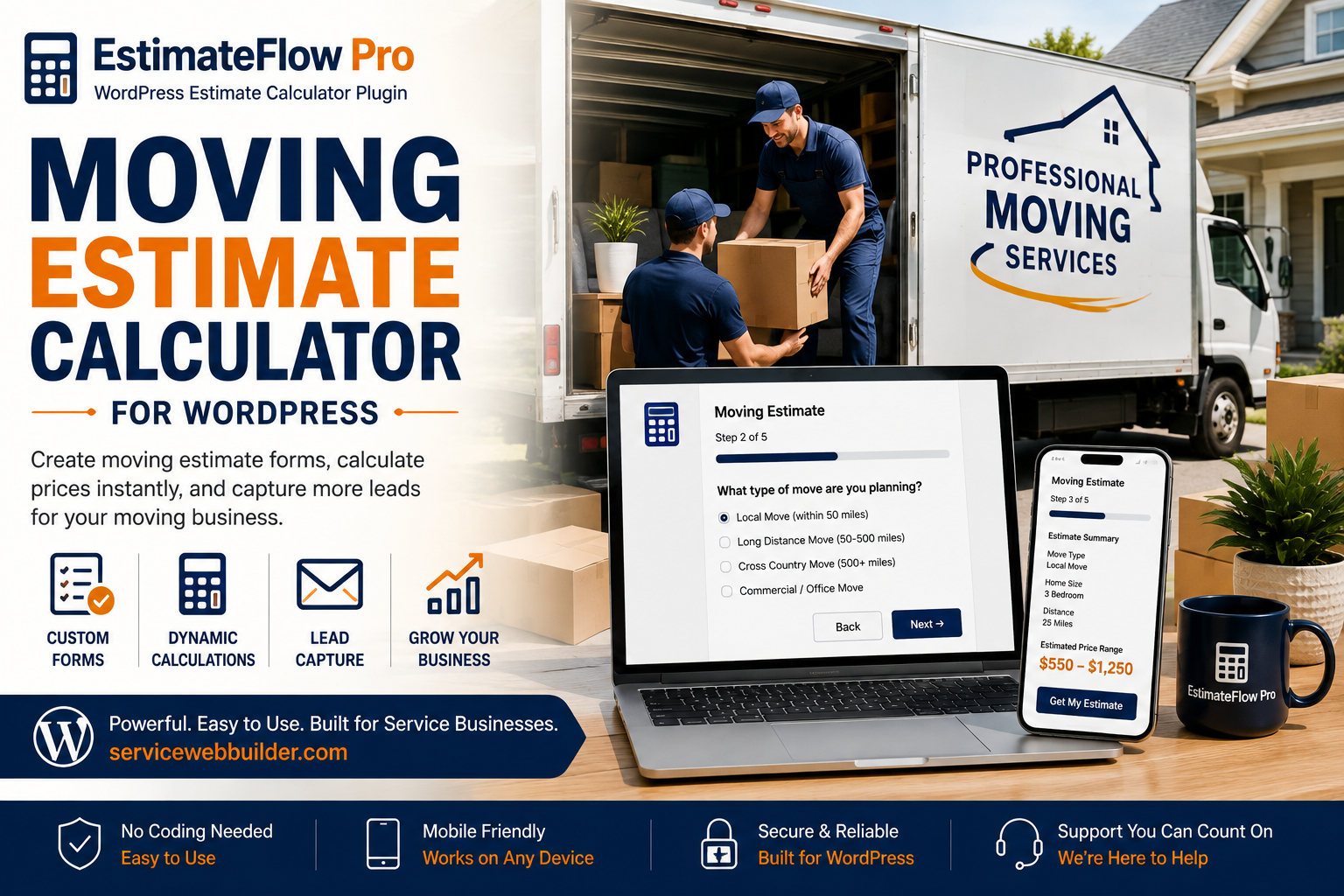
Moving Estimate Calculator for WordPress with professional moving crew
ESTIMATEFLOW PRO FOR MOVING COMPANIES

Moving Estimate Calculator for WordPress

Collect Inventory, Distance, Access, Packing, Specialty-Item, and Photo Details Before You Quote

A moving estimate calculator helps a moving company collect the details that affect preliminary pricing before a customer submits a request. With EstimateFlow Pro, a WordPress site can ask about move size, inventory, origin and destination, distance, stairs, elevators, carrying distance, packing, specialty items, preferred dates, and optional photos in a guided estimator. The displayed range is preliminary guidance rather than a guaranteed final moving quote. The mover can review inventory, access, distance, timing, specialty handling, and submitted photos before confirming scope, availability, crew requirements, or price.

Move locations

Collect origin, destination, move type, approximate distance, building type, and access at both ends.

Inventory and volume

Ask about rooms, furniture, boxes, appliances, outdoor items, storage contents, and unusually large pieces.

Labor conditions

Identify stairs, elevators, long carries, parking restrictions, assembly, packing, and specialty handling.
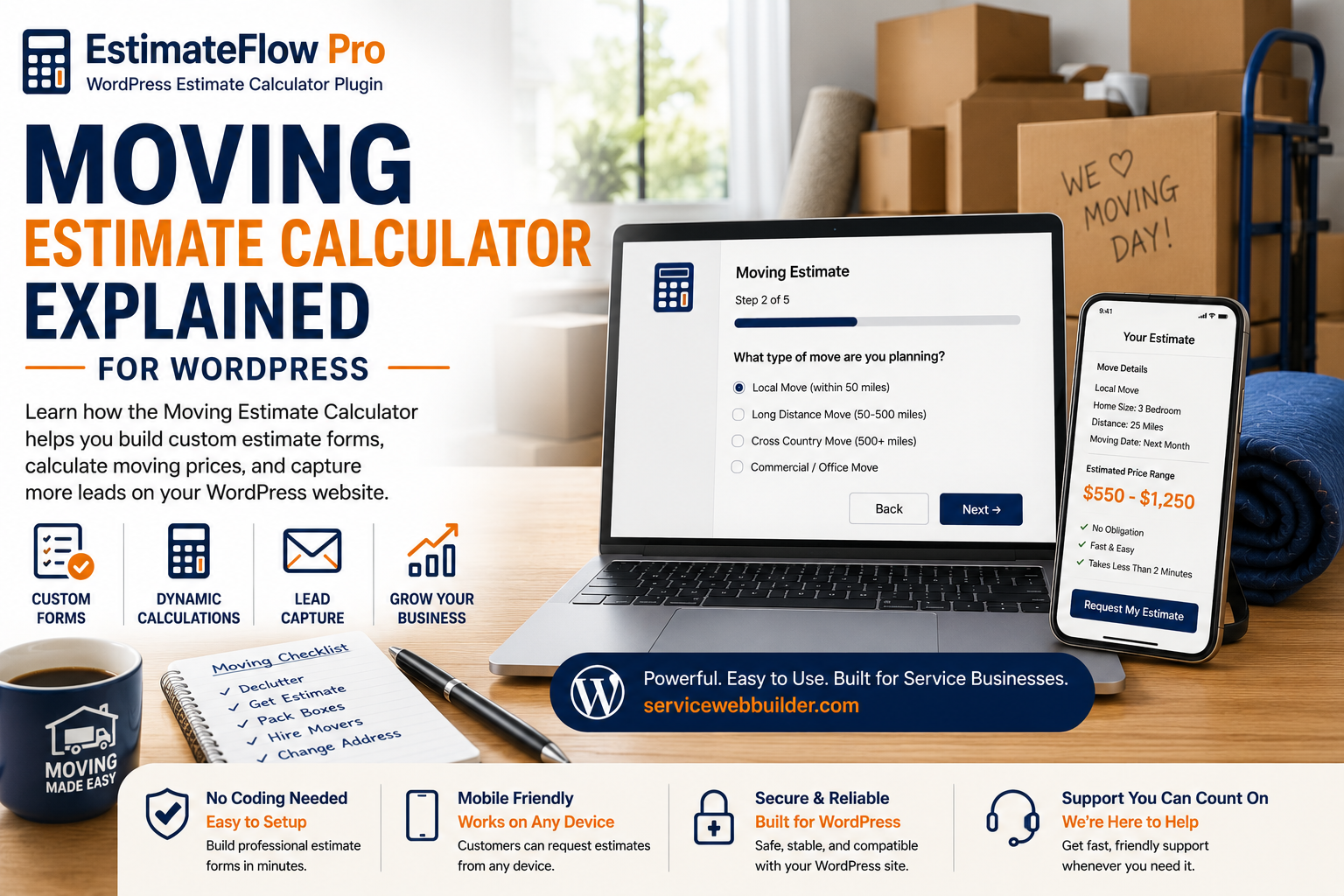
Moving estimate calculator explained with desktop and mobile estimate forms

Start With the Origin, Destination, and Move Type

The first steps can identify whether the customer needs a local residential move, apartment move, office move, loading-only service, unloading-only service, or another supported option. Ask for location details according to the company’s service area and privacy policy. EstimateFlow Pro uses required-answer validation so essential details are not skipped. Unsupported distances or move types can be directed to manual review instead of receiving an inappropriate automatic range.

Room-based overview

Ask about home size, major rooms, garage, patio, storage unit, office, or other areas.

Major-item selection

List beds, sofas, tables, dressers, appliances, desks, shelving, and other common large items.

Specialty-item review

Identify pianos, safes, oversized furniture, antiques, fitness equipment, or items needing special approval.
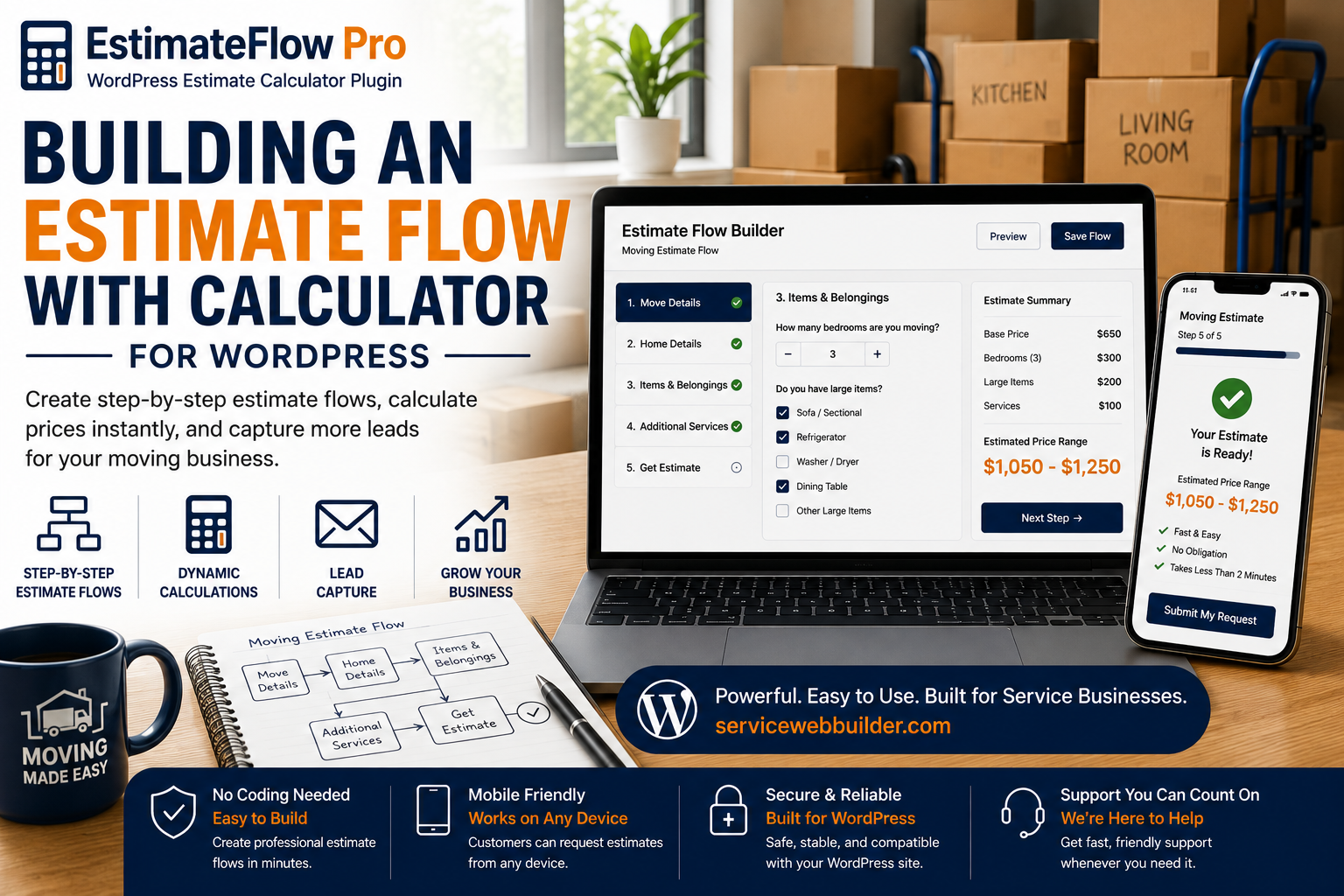
Building a moving estimate flow with a WordPress calculator

A Practical Moving Estimate Question Sequence

Organize the flow around the information that affects vehicle space, labor, time, and risk:
  1. What moving service is needed? Local move, apartment move, office move, loading, unloading, or another offered service.
  2. Where is the move starting and ending? Collect service locations and approximate distance as appropriate.
  3. What type and size of property is involved? Apartment, house, office, storage unit, number of rooms, or another supported category.
  4. What major items are moving? Furniture, appliances, boxes, outdoor items, equipment, and storage contents.
  5. Are specialty or unusually heavy items included? Route them to review based on the mover’s equipment and policies.
  6. Are there stairs or elevators? Ask at both origin and destination, including floors and elevator reservations.
  7. How far is the carrying distance? Identify nearby parking, long hallways, loading docks, gates, or restricted access.
  8. Is packing or unpacking needed? Ask about full packing, selected rooms, fragile items, boxes, and supplies.
  9. Is disassembly or reassembly needed? Beds, tables, shelving, office furniture, or other supported items.
  10. What date or time window is preferred? Collect the request without guaranteeing availability or scheduling.

Use Item Choices and Photos to Clarify the Load

Customers can select the categories and quantities that best describe the move, then upload optional photos of rooms, grouped boxes, storage areas, or large items. Clear instructions help them show scale and access rather than only close-up details. Photos do not reveal exact weight, hidden contents, fragile conditions, or everything that will be added before move day. The preliminary result should remain subject to a complete and accurate inventory.

Account for Stairs, Elevators, and Carrying Distance

Access conditions can change labor and time at both ends of a move. Ask separately about stairs, floor levels, elevators, loading zones, parking restrictions, long hallways, steep drives, gates, and the distance from the vehicle to the door. If an elevator must be reserved or a building requires certificates, loading appointments, or restricted hours, direct the customer to disclose those requirements. The moving company remains responsible for confirming access and building rules.

Explain the Limits of a Preliminary Moving Range

A moving range is only as reliable as the inventory and access information submitted. It should not be presented as a guaranteed final quote when distance, labor, weight, timing, specialty handling, or property conditions remain unverified.
  • State the inventory and access assumptions behind the range.
  • Explain that added items or inaccurate quantities can change the price.
  • Route long-distance, specialty, unusually large, or complex moves to direct review.
  • Keep valuation, insurance, deposits, cancellation, and contract terms outside unsupported calculator claims.
  • Confirm the final offer using the moving company’s required documents and process.

Review the Moving Lead Before Confirming the Job

The submitted record can combine origin and destination details, inventory selections, access answers, packing needs, preferred timing, customer contact information, optional photos, and preliminary guidance. This gives the moving company a structured starting point for verifying inventory, truck needs, crew requirements, availability, and remaining questions. Email notification depends on the WordPress mail configuration and should be tested before launch.

What Is a Moving Estimate Calculator?

A moving estimate calculator is an online form or guided estimator that collects information a moving company uses to qualify a move and prepare preliminary pricing. Typical inputs include property size, inventory, pickup and delivery locations, approximate distance, stairs, elevators, carrying distance, packing needs, specialty items, requested dates, and photos. Because the final cost can depend on verified inventory, access, labor, travel, timing, and special handling, an online moving calculator is best used for preliminary guidance and lead qualification unless the mover has enough verified information to issue a final quote.

Moving Estimate Calculator FAQs

Can customers create an item inventory?

Yes. Configure room-based questions, common item choices, quantities, and specialty-item review based on the mover’s process.

Can I ask about stairs at both locations?

Yes. Separate origin and destination access questions improve the request details.

Can customers request packing?

Yes. Include packing, unpacking, supplies, fragile items, or selected-room options that the company offers.

Can customers upload move photos?

Optional photos can show inventory and access, but the mover should still verify the complete load.

Is the displayed range a guaranteed moving quote?

No. Describe it as preliminary guidance subject to inventory, access, distance, date, labor, and business review.

Does EstimateFlow Pro book the move?

No. The focused version collects estimate requests; it does not include scheduling, payments, or moving contracts.

Build a Moving Estimate Flow

Collect inventory, access, location, packing, specialty-item, and photo details before your moving company follows up with a new lead.

Related Estimate Calculator Resources

Explore the service-business estimator hub, learn how a WordPress quote calculator plugin can guide customer quote requests, try the live demo, or view related estimate calculator examples for junk removal and handyman services.