
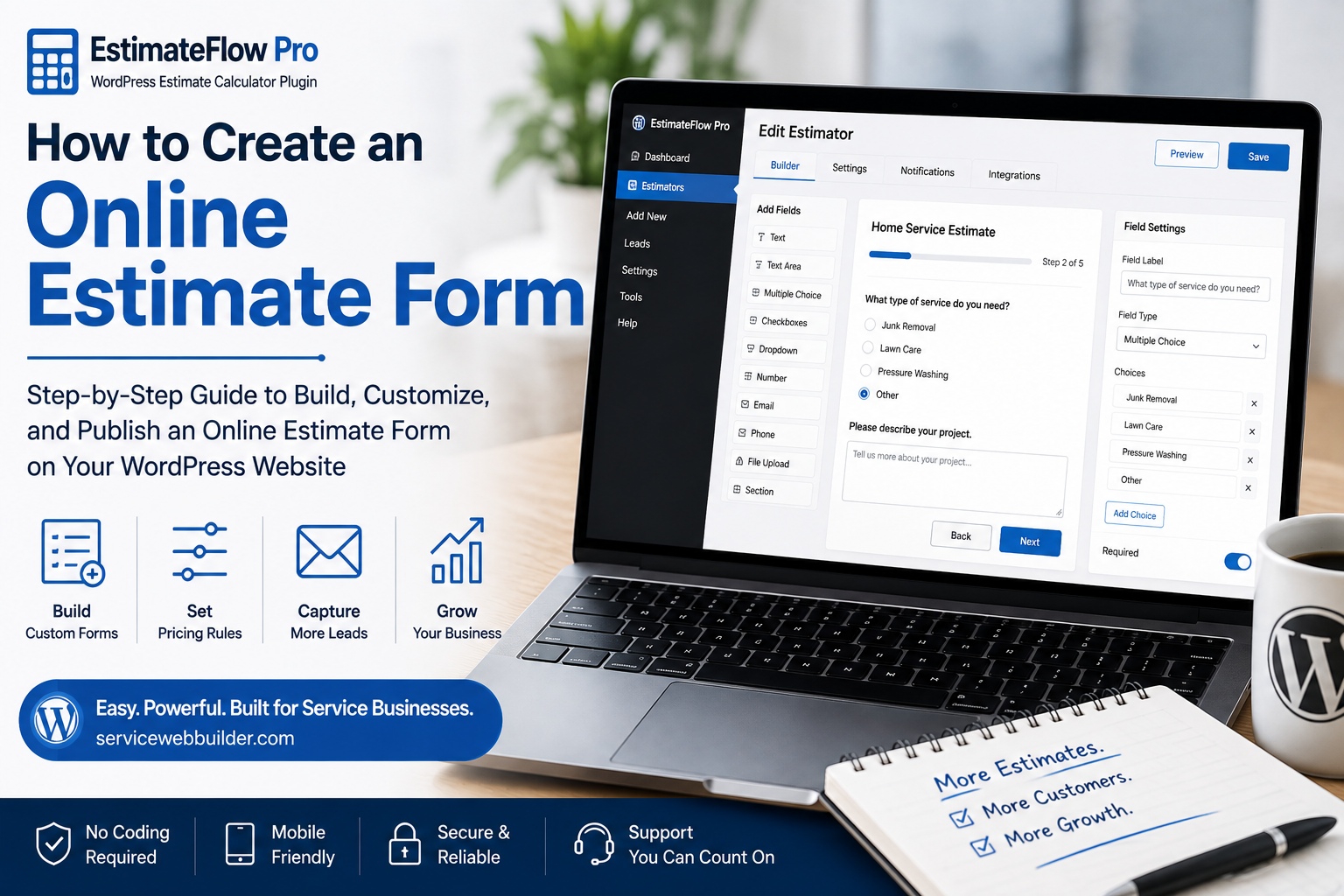
How to Create an Online Estimate Form for a Service Business
Quick Answer: What Should an Online Estimate Form Include?
A service-business estimate form should collect only information that helps qualify the job, prepare preliminary pricing, identify important conditions, or support follow-up.
- Service or project type so the request enters the correct estimating path.
- Size, quantity, or scope that affects labor, materials, equipment, or time.
- Condition and access details such as stairs, gates, distance, obstacles, or difficulty.
- Supported options or add-ons that may change the scope.
- Preliminary price guidance or manual review based on the information available.
- Customer contact details needed for the business to respond.
- Optional photos and notes when visual context helps clarify the job.
- Clear confirmation and next-step wording after submission.
Included work
Unsupported work
Next step
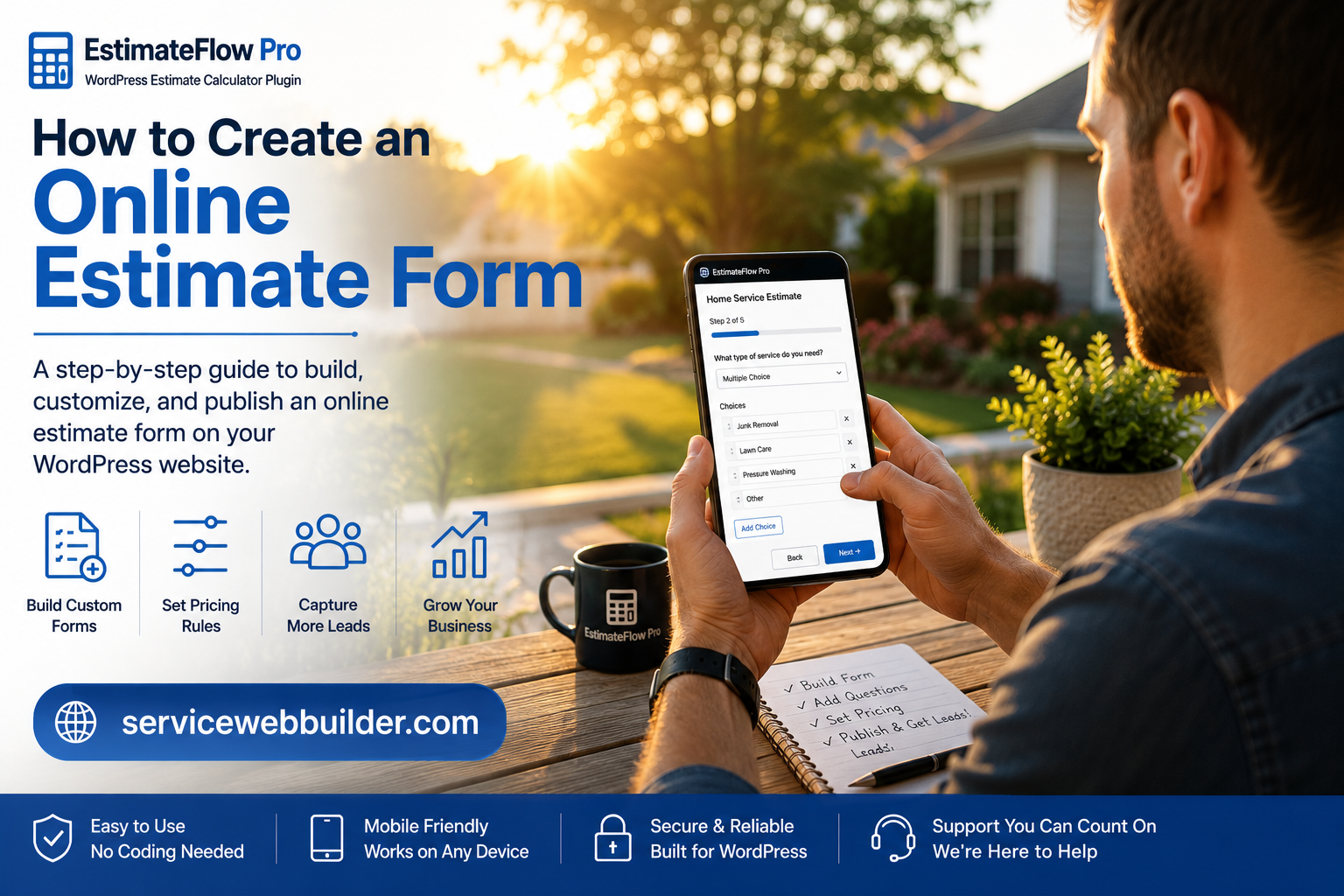
Step 1: List Every Factor That Changes the Work

Step 2: Turn Pricing Factors Into Simple Questions
- Use familiar words instead of internal trade terminology.
- Ask one main thing per step.
- Give enough answer choices to be accurate without overwhelming the visitor.
- Include “other” or “not sure” when forcing a choice would create bad information.
- Explain unfamiliar measurements with examples.
- Place sensitive or unnecessary questions outside the public form.
Usually required
Often optional
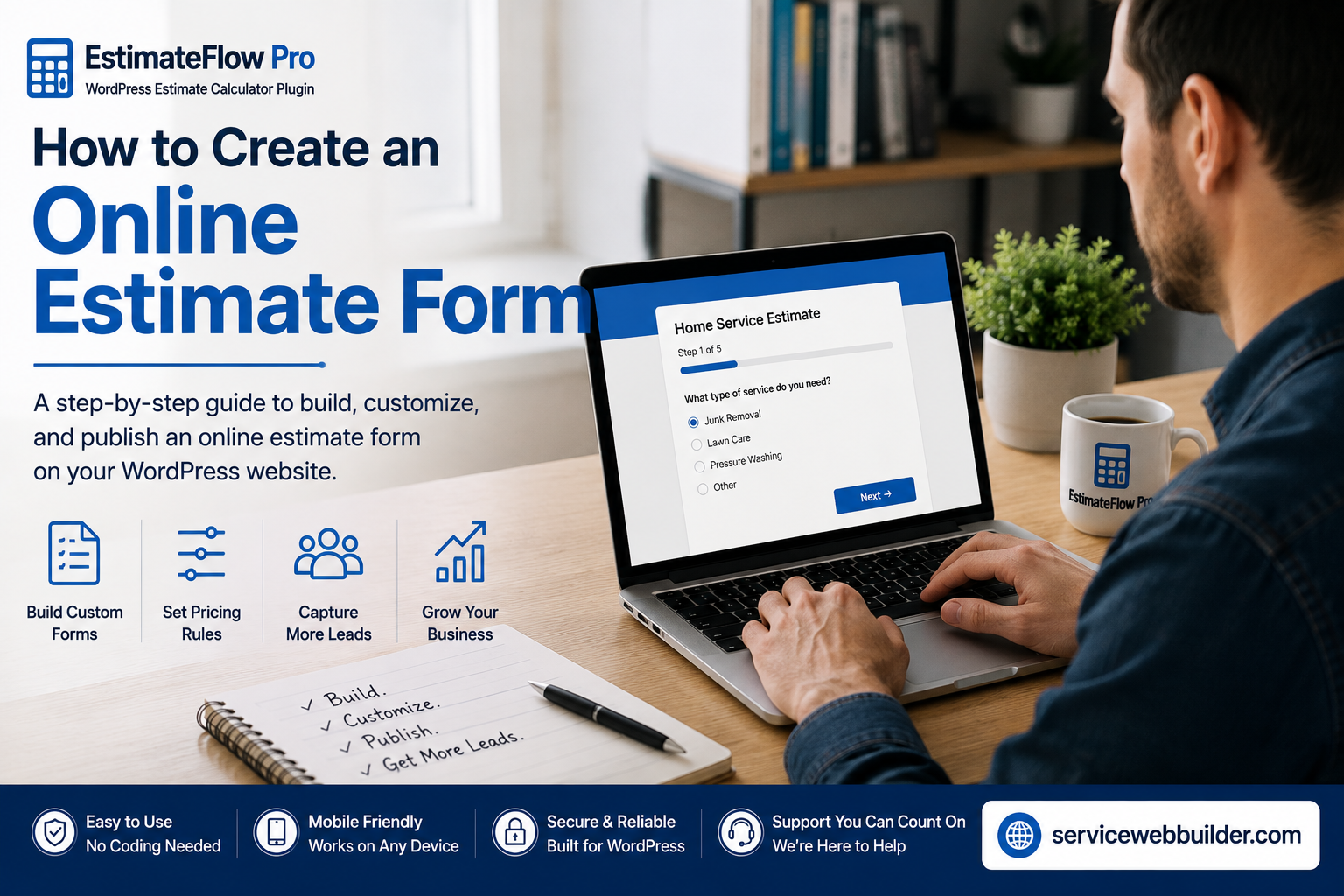
Step 4: Design Answer Choices and Preliminary Ranges
- State what the preliminary range assumes.
- Explain that inaccurate answers can change the price.
- Identify work that requires inspection or direct review.
- Do not call preliminary guidance a guaranteed final quote.
- Keep final acceptance and pricing with the business.
Step 5: Build the Guided Form in EstimateFlow Pro

Step 6: Ask for Contact Details at the Right Time
Step 7: Add Photos, Consent, and Confirmation
Step 8: Test the Finished Form on Mobile

Step 9: Review Lead Quality and Improve the Questions
Example Service-Business Estimate Form
- Select the service needed.
- Choose the approximate size, quantity, or volume.
- Describe the condition or difficulty.
- Identify access, stairs, gates, distance, or obstacles.
- Select supported add-ons.
- Confirm that prohibited or unsupported conditions are not present.
- View the preliminary range or manual-review message.
- Add contact details and optional photos.
- Review the disclaimer and submit the request.
This sequence is a starting framework. Cleaning, junk removal, lawn care, pressure washing, handyman, moving, and contractor forms should each use industry-specific questions rather than copied generic wording.
Online Estimate Form FAQs
What is an online estimate form?
An online estimate form is a website form that collects job details a business can use to qualify a request, prepare preliminary pricing, or decide whether the project needs manual review before a final quote.
How is an estimate form different from a contact form?
A contact form usually collects basic contact information and a message. An estimate form asks structured, service-specific questions about scope, size, quantity, condition, access, options, or other factors that help the business understand the work.
Should an estimate form show an exact price?
Only when the business can support that price from the information collected. For variable work, a preliminary range or manual-review result can avoid implying more precision than the customer answers justify.
How many questions should an estimate form have?
Use enough questions to qualify the request and support pricing or follow-up, but remove questions that do not affect those decisions. The ideal length depends on the service and complexity of the work.
Can customers upload photos with an online estimate form?
Yes. Optional photos can help show visible condition, volume, access, materials, items, or the work area when those details are useful for review.
Can I create an online estimate form in WordPress?
Yes. EstimateFlow Pro is designed to create guided service-business estimators in WordPress and can be used with supported WordPress placement options such as Elementor, shortcodes, embedded forms, or popup experiences.
Build the Form in WordPress
Explore the online estimate form for WordPress, follow the guide to add an estimate calculator, review EstimateFlow Pro features, browse the industry examples, or visit the EstimateFlow Pro documentation for setup instructions.