
Create a Professional Online Estimate Form in WordPress
EstimateFlow Pro is a WordPress plugin for creating guided online estimate forms for service businesses. Instead of relying on a basic contact box, businesses can ask service-specific questions in a clear sequence, require essential answers, collect customer contact details and optional project photos, and keep the completed estimate request together inside WordPress.
When appropriate, the same form can apply business-defined pricing adjustments and show clearly labeled preliminary pricing guidance. The business controls the questions, rules, wording, and final review.
Guide Every Request
Require Essential Details
Accept Helpful Photos
Organize the Follow-Up
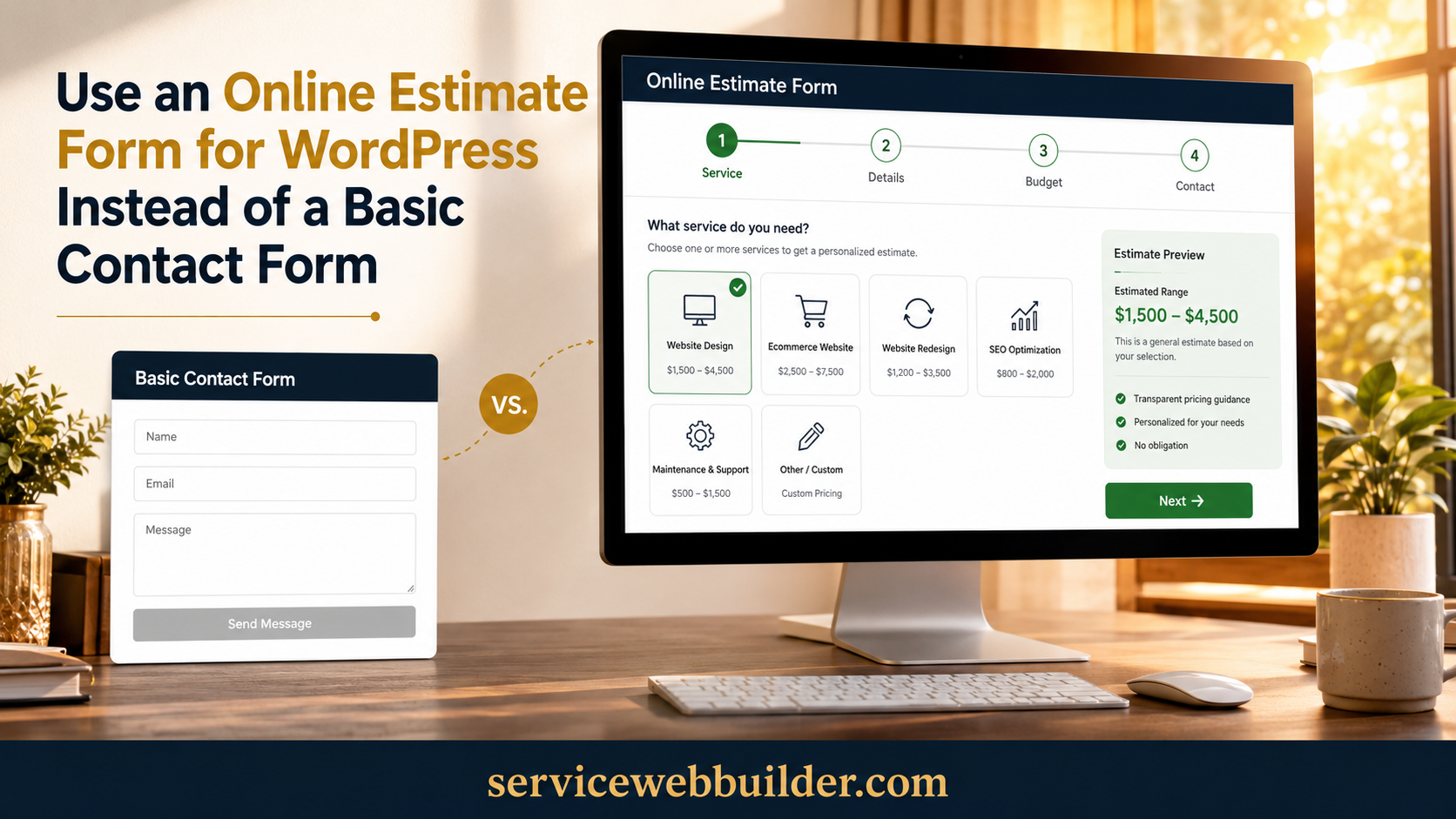
Why Use an Online Estimate Form Instead of a Basic Contact Form?
A standard contact form usually asks for a name, email address, phone number, and open message. That may be enough for a general inquiry, but it often leaves a service business asking the same follow-up questions before anyone can judge the job.
An online estimate form can collect the details in the order customers naturally understand them. The visitor identifies the service, answers questions about scope and conditions, adds photos or notes when appropriate, and supplies contact information after engaging with the request.
EstimateFlow Pro is designed for this guided experience. It can also apply business-defined pricing adjustments and display preliminary guidance, but the form remains valuable even when you choose not to show a number.
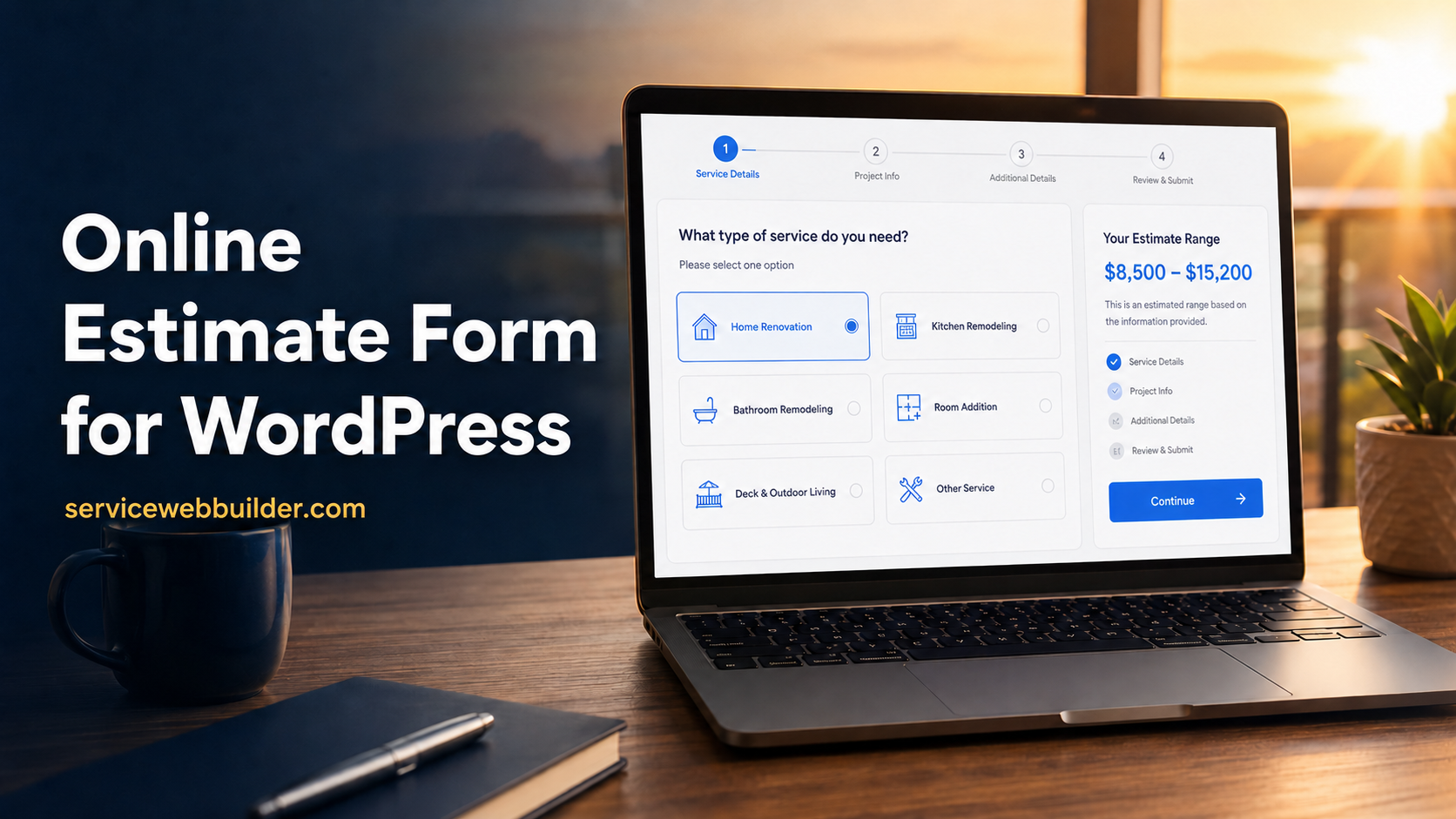
Include the Fields Your Business Actually Needs
Service selection: Identify the work the customer wants so the form can use relevant wording and questions.
Project details: Ask about size, quantity, condition, materials, access, timing, location, or options that affect feasibility and follow-up.
Customer details: Collect the name, email, phone number, service address, and notes your business needs.
Photo upload: Offer images when they help explain visible conditions. Tell visitors what to photograph and avoid making uploads mandatory unless they are truly essential.
Use a Multi-Step Structure That Feels Manageable
A multi-step estimate form divides a larger request into smaller decisions. Begin with easy questions, group related topics together, and place detailed or sensitive fields later in the flow. A visible sense of progress helps visitors understand that the process has a clear end.
Each step should have one purpose. Avoid asking the same thing twice or presenting choices that do not affect qualification, price guidance, safety, or service delivery. Use plain customer language rather than internal trade terms.
Required-answer validation should appear immediately and explain exactly what is missing.
Collect Project Photos Without Losing the Written Details
Photos can reveal visible volume, surface condition, obstacles, stairs, gates, parking, access paths, or other details that are difficult to describe. EstimateFlow Pro keeps uploaded images with the customer’s answers and contact information so your team can review the full request in context.
Give a short prompt such as “Show the item and the path to the driveway” or “Include one wide photo and one close-up.”
A photo is supporting information, not proof of every condition. Hidden damage, exact measurements, weight, hazardous material, property access, and other facts may still require a conversation or on-site review.
Clear Customer Experience
Better Request Quality
One Organized Lead Record
01
Answer Guided Questions
02
Add Contact Details and Photos
03
Submit for Business Review
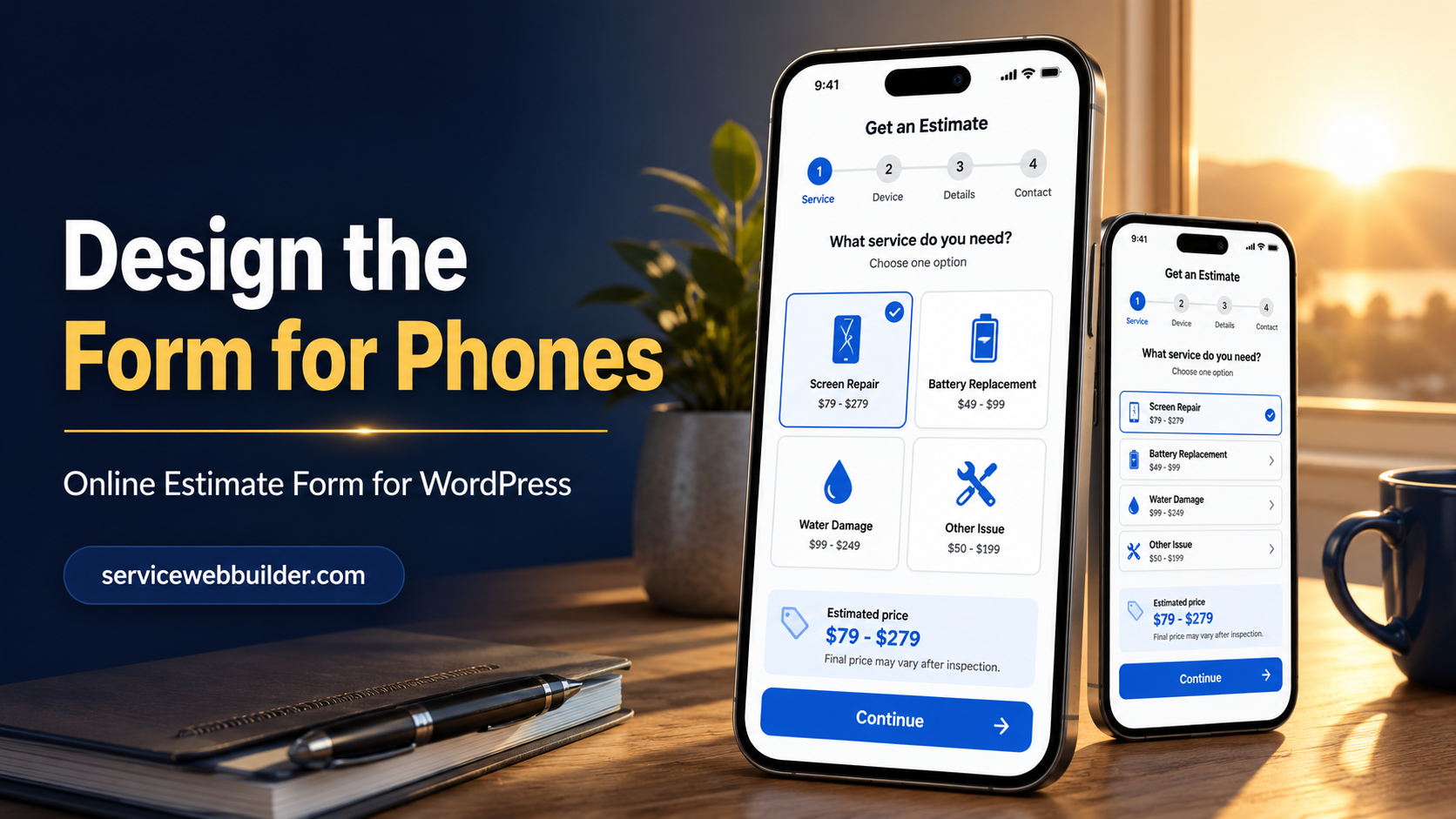
Design the Form for Phones First
Many visitors will open an estimate form from a phone while standing near the project. Use large tap targets, short answer labels, comfortable spacing, and a single obvious action on each screen. Test the popup, keyboard behavior, image picker, validation messages, and confirmation on a real mobile device.
EstimateFlow Pro can open from a floating Get Estimate button, a page-specific popup, an Elementor placement, or a shortcode. Keep useful service information visible on the webpage so visitors can understand the offer before beginning the form.
MULTI-STEP ESTIMATE REQUESTS ON DESKTOP AND MOBILE
Protect Privacy and Set Clear Expectations
Tell customers why you collect their information and how your business will use it. Link to an accurate privacy policy near the form, avoid requesting sensitive information that is not needed for an estimate, and restrict access to submitted leads inside WordPress.
Explain whether the form provides a preliminary range, requests a manual quote, or simply begins a review.
A Practical Estimate Form Blueprint
Start with the requested service. Next ask three to seven questions that determine scope, such as quantity, size, condition, access, location, timing, or selected options. Then invite useful photos and a short customer note. Finish with name, email, phone, address when needed, consent language, and the submission button.
Write a Confirmation That Explains the Next Step
After submission, show a stable confirmation with a close button. State that the request was received, explain how and when the business normally responds, and remind the customer that any displayed amount is preliminary when applicable.
Configure and Test Your First Form
Choose one service and write down the questions your team asks during a normal estimate conversation. Arrange the essential questions from simple to specific, configure contact fields, notifications, photo limits and result language, then submit test requests using every answer path.
Use the Right Form on Each Service Page
Different services often require different questions. A page-specific popup lets each service page open the relevant form while a broader global form remains available as a fallback.
Related Online Estimate Form Resources
Learn how to create an online estimate form, follow the guide to add an estimate calculator to WordPress, explore the WordPress estimate calculator plugin, review EstimateFlow Pro features, or try the live demo.
Build an Estimate Form That Is Easier to Complete
EstimateFlow Pro combines multi-step questions, required-answer validation, customer contact fields, optional photo uploads, editable wording, notifications, organized lead records, popup placement, Elementor support, and a shortcode fallback.
Keep questions current, test incomplete paths, and measure usefulness by the quality and relevance of requests rather than merely the number submitted.
Choose the EstimateFlow Pro License for Your Website
Explore EstimateFlow Pro
Learn more about the WordPress estimate calculator plugin, follow the guide on how to create an online estimate form, or explore the complete EstimateFlow Pro features.
You can also try the live demo, review pricing and license options, or see how estimate forms can work for different industries in the service-business estimate calculator guide.