

Estimate Calculator for Service Businesses
Turn Website Visitors Into Better Qualified Estimate Requests
Why a Basic Contact Form Leaves Service Businesses Guessing
Fewer vague inquiries
Better expectations
Organized follow-up
The Customer’s Multi-Step Estimate Journey

From Website Visit to a More Useful Lead
1. Ask
2. Guide
3. Capture
Pricing Rules That Reflect Real Service Variables
Review Answers, Estimate Guidance, and Photos Together
Each submitted request gives the business a record of what the customer selected. That makes it easier to understand the requested service before calling or texting. Optional photo uploads can add context for debris, property condition, access, damaged materials, or other visible factors.
Email notification alerts the configured recipient that a request arrived, while the WordPress lead record provides the information needed for follow-up. Email delivery still depends on the website’s mail configuration, so a reputable authenticated WordPress mail service should be tested before launch.

Use One Estimator Sitewide or Match Estimators to Specific Pages

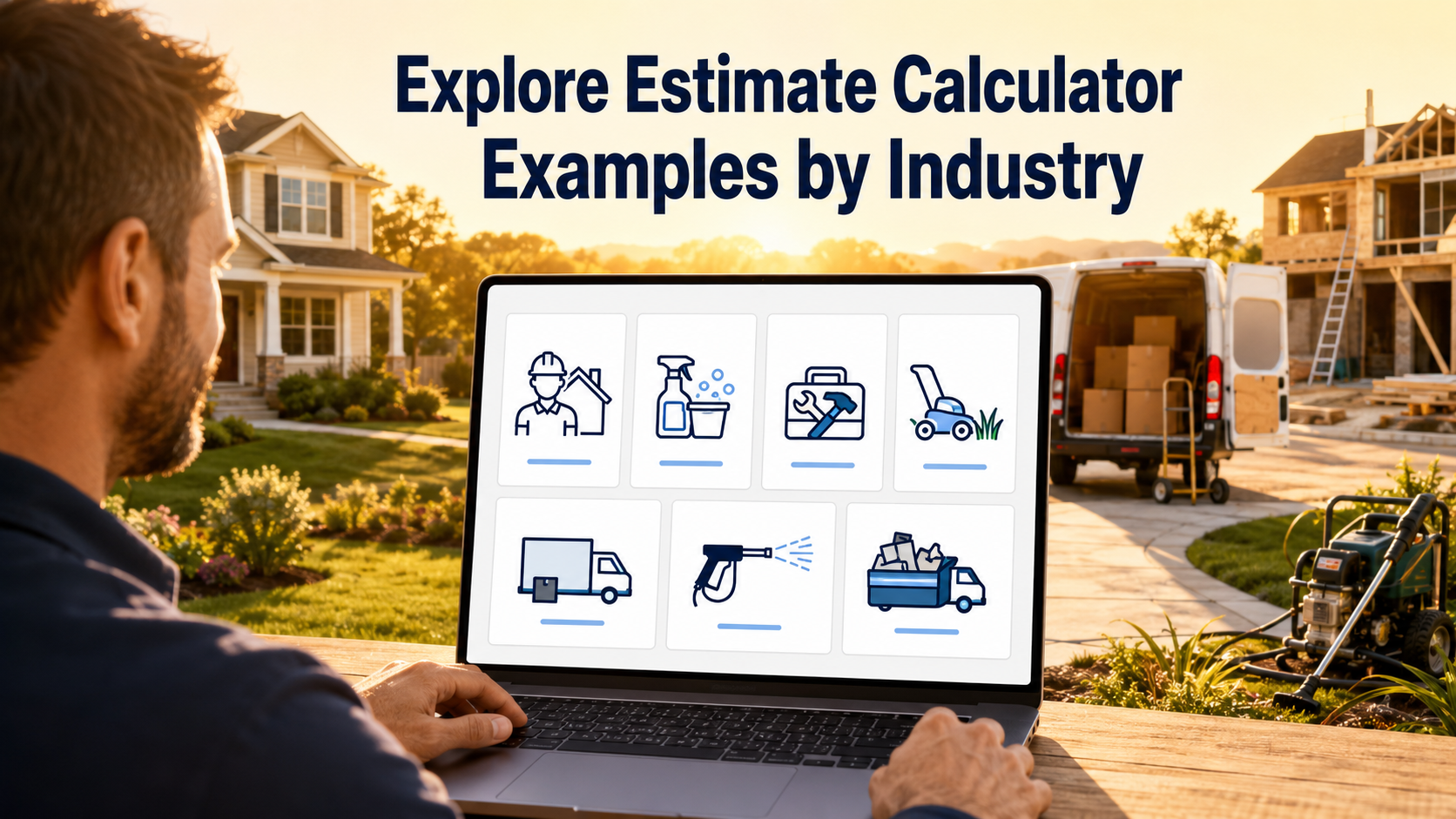
Explore Estimate Calculator Examples by Industry
Built for Qualification, Not Fake Instant Certainty
EstimateFlow Pro does
EstimateFlow Pro does not
Questions Service Businesses Commonly Ask
Can I create more than one estimator?
Yes. You can build different estimators for different services and use the appropriate flow on relevant pages.
Can customers upload project photos?
Optional photo uploads can be enabled so visitors can add visual context to an estimate request.
Does the displayed range become a final quote?
No. The page and estimator should clearly explain that online guidance is preliminary and subject to business review.
Can I use EstimateFlow Pro with Elementor?
Yes. EstimateFlow Pro supports Elementor placement and a shortcode fallback for other WordPress content areas.
Will it work as a popup?
It can be configured as a popup or opened through floating website actions, including page-specific estimator selection.
Does it include payments or scheduling?
The focused sellable version is built around estimate requests and lead qualification. Payments, scheduling, and invoicing are not included.
Give Every New Lead a Better Starting Point
Explore Estimate Calculator Resources
Explore all EstimateFlow Pro features, view EstimateFlow Pro pricing, or try the EstimateFlow Pro live demo.
Estimate Calculators for Service Businesses
Explore estimate calculator resources for contractors, cleaning services, handyman services, lawn care, moving services, pressure washing, and junk removal.
WordPress Estimate Calculators by Industry
Use these detailed industry guides to learn which questions, pricing variables, project details, and lead-capture fields to include in a WordPress estimate calculator.
- Commercial Cleaning Estimate Calculator for WordPress
- Concrete Estimate Calculator for WordPress
- Contractor Estimate Form for WordPress
- Electrical Estimate Calculator for WordPress
- Fence Estimate Calculator for WordPress
- Flooring Estimate Calculator for WordPress
- Garage Door Estimate Calculator for WordPress
- Gutter Cleaning Estimate Calculator for WordPress
- House Cleaning Estimate Calculator for WordPress
- HVAC Estimate Calculator for WordPress
- Landscaping Estimate Calculator for WordPress
- Moving Estimate Calculator for WordPress
- Painting Estimate Calculator for WordPress
- Pest Control Estimate Calculator for WordPress
- Plumbing Estimate Calculator for WordPress
- Pool Service Estimate Calculator for WordPress
- Remodeling Estimate Calculator for WordPress
- Roofing Estimate Calculator for WordPress
- Tree Service Estimate Calculator for WordPress
- Window Cleaning Estimate Calculator for WordPress
Before selecting a solution, compare the best WordPress estimate calculator plugins for pricing guidance, lead capture, customization, and service-business workflows.